

Ever feel overwhelmed by a jumble of digital files? Digital asset management acts like a friendly guide, organizing scattered images, videos, and documents into a neat, easy-to-find collection. With clear labels and smart ways to manage versions (that means keeping track of changes in your files), your team can grab what they need quickly, boosting both creativity and efficiency. This article explains how DAM helps you work smarter by streamlining tasks and boosting teamwork, so you spend less time searching and more time creating. Get ready to turn digital clutter into a valuable resource.
Digital Asset Management Defined: Core Principles and Key Benefits
Digital asset management, or DAM, is a way to keep your digital files, like pictures, videos, and documents, organized and easy to find. By adding extra details (metadata, which is like a simple file description) and tracking updates (version control, which means keeping tabs on changes), DAM gives you the tools to handle an ever-growing collection of content.
When all your files are stored in one secure place, your team can grab what they need quickly. Imagine scrambling to find a file for a last-minute campaign, the system makes it simple. This setup not only speeds up how you use your marketing assets but also keeps creative work running smoothly. Plus, as your business grows, DAM scales with you.
| Benefit | Description |
|---|---|
| Brand Consistency | A uniform and professional look across all your digital content. |
| Faster Retrieval | Rapid access to files thanks to clear, detailed tags. |
| Improved Collaboration | Seamless sharing and editing among team members. |
| Reduced Redundancy | No duplicate files, as version control helps you keep everything organized. |
| Lower TCO | Streamlined operations mean lower overall costs. |
| Scalability | Efficient management of more and more content as your needs grow. |
All these benefits come together to boost your business. When you put these DAM principles into action, your projects run smoother and your files stay secure. Imagine a marketing team that finds what it needs in record time, leading to quicker projects and lower costs. With a well-organized system, your brand stays consistent and you can easily adapt to changes in the market, keeping your business on the path to growth.
Evaluating Digital Asset Management Platforms: Features and Integrations

When you look at digital asset management platforms, it’s all about keeping your files safe and making sure they work well with the tools you already use. Each platform offers features like metadata tagging (a simple way to describe your files), secure file storage (keeping your stuff safe), access permissions, and version control to track changes. By checking out these features closely, you can pick a solution that grows with your business and helps boost productivity. For instance, if a platform easily connects with design tools such as Adobe Creative Cloud, it can speed up creative work and lower overall costs.
| Feature | Integration Capability | Example Platforms |
|---|---|---|
| On-Premises | Custom API connections with internal systems | Legacy DAM systems with tailored hardware setups |
| Cloud-Hosted | Seamless integration with SaaS tools | Subscription-based, modern DAM solutions |
| Hybrid | Combination of local storage and cloud access | Platforms offering flexibility and robust security |
Integrations tie your digital world together like pieces of a puzzle. When your DAM platform connects effortlessly with marketing tech and creative apps, tasks such as updating file versions, adding metadata, or refreshing content become automatic. This means fewer manual steps and fewer chances for errors, leaving your team more time to focus on design and big ideas. One designer even mentioned, “Having a system that updates assets on its own lets me zero in on design innovation.” In short, smooth integrations help your team work faster and keep your brand’s message clear every time.
Organizing Your Library: Best Practices and Metadata Standards for DAM
Start by setting up simple rules for tagging your files. When you tag every file using details like the creation date, project name, or file type, it’s a lot like writing a quick note on every jar in your pantry. This way, you avoid having duplicate files, and finding what you need later is much easier.
Next, create a clear folder system that works like an organized filing cabinet. Group similar files together based on how you or your team use them. For instance, you might have separate folders for marketing materials, product images, and promo videos. This logical grouping keeps everything in its right place and makes the whole process smoother.
Finally, take advantage of tools that automate file organization and speed up searches. These smart systems can add tags and sort new files instantly, so you don’t have to spend extra time moving things around. With fast search indexing, you can quickly find the file you need by scanning through tags and folders. This way, your digital library stays neat, efficient, and easy to manage as it grows.
Streamlining Creative Workflows with Digital Asset Management
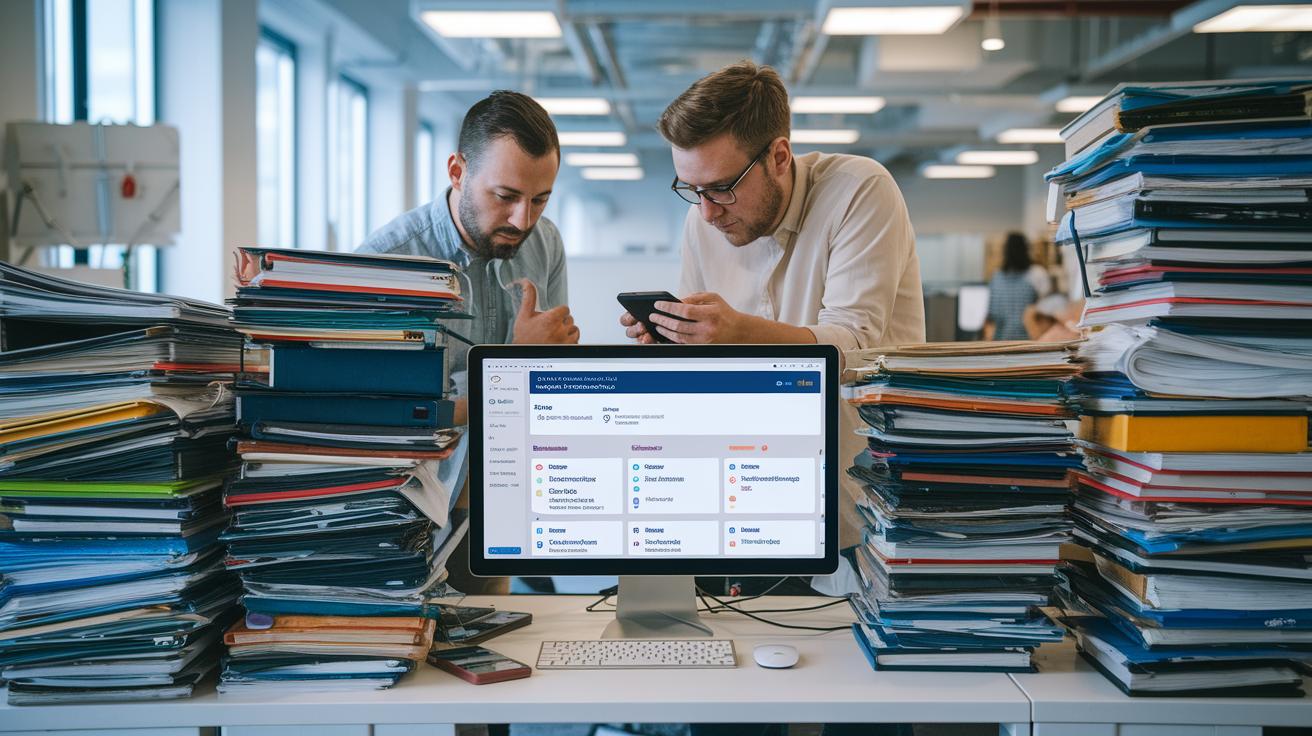
Creative teams often get tangled up with too many digital files. Files end up scattered across different systems, and the versions can mix together, making it hard for designers and marketers to know which update is the newest. This mix-up slows projects down and can cause unnecessary friction between departments. Just imagine frantically hunting for the latest logo version when the deadline's tight, that’s the kind of annoyance a DAM system is built to fix.
One awesome benefit of using DAM is that it automates the repetitive tasks we all dread. With features like batch processing (updating many files at once), bulk uploads, and file version tracking, the system takes care of the boring work so creative folks can focus on design and strategy. Think of batch processing as a super helpful assistant that updates several files without you having to do it one by one. Automatic version control keeps a clear record of all changes, so you don’t wonder which file is the most current. Plus, setting up simple review workflows means updated content gets sent straight to the right people for a quick check.
Integrating DAM with your marketing strategy keeps your brand look consistent and your team in sync. When DAM works with loved tools like Adobe Creative Cloud, you can access and update assets directly where you work best. This smooth integration speeds up production and makes sticking to brand guidelines feel like second nature. Isn’t it amazing when creativity and efficiency team up so effortlessly?
Selecting the Right Digital Asset Management Software: Options and Pricing Models
When picking digital asset management software (a tool that helps you organize your digital files), start by thinking about what your team really needs. Ask yourself how many files you work with, which features you can’t do without, and if you expect things to grow soon. Making this clear list helps you sift through vendors so you only pay for what you truly need. For example, our team once mapped out every function required, making sure that every dollar spent directly supported our daily work.
DAM software prices can vary a lot. You might find simple setups for around $99 a month, but if you need a platform packed with advanced analytics (that means detailed data insights), custom workflows (personalized steps), and dedicated support, prices can climb over $1,000 a month. When comparing options, focus on more than just the price tag. Look at how many user accounts you need, the depth of analytics offered, the ease of linking up with your current tools, and the overall support level provided. That way, you can be sure the monthly cost is really boosting your team’s efficiency without breaking the bank over time.
To make the selection process smoother, try using a detailed checklist. Write down what matters most, like ease of use, security (keeping your files safe), scalability (growing with your needs), integration with your current systems, and the vendor’s support quality. Score each vendor on these points to see which one fits best. This step-by-step approach doesn’t just meet your current needs; it also sets you up well for any future changes, ensuring your digital workflow stays efficient and ready for whatever comes next.
Digital Asset Management: Empower Your Digital World

Organizations in finance, healthcare, retail, media, education, and government are turning to digital asset management to keep things simple, safe, and speedy. By gathering images, videos, and documents in one neat spot, DAM (which stands for digital asset management) helps teams stick to a consistent brand look, find files quickly, and follow updated rules without any hassle.
Imagine a big retail chain that used DAM to get rid of duplicate files and keep its brand images looking the same everywhere. Their system not only cleared up clutter but also sped up new marketing campaigns by automatically updating assets. In another case, a media company set up DAM to add clear labels (metadata) and track document versions. This simple change helped them approve content faster and cut out extra editing rounds. One project even scored a solid return on investment by saving time and lowering costs while keeping quality top-notch.
These real-world examples show how DAM can save time, boost teamwork, and protect your digital treasure. With everything organized and easy to access, every team member always works with the latest files. This means you can meet your business goals faster, adapt to market shifts, and always feel a step ahead in today’s fast-paced digital world.
Implementing and Scaling Digital Asset Management: Deployment, Governance, and Compliance
When you're getting ready to roll out your digital asset management, it's best to start with clear rules and a plan for change. Begin by outlining your current workflow and deciding who gets to see or change files (that is, setting up permission and access controls). Train your team so everyone knows how to use the system, and put in place guidelines that help the switch go smoothly. It’s a bit like laying out the rules of a game before you begin, when everyone knows their role, things just work better.
Next, think about how you want to deploy the system. You can choose to store your files on your own servers (on-premises), which gives you direct control, or you can use cloud storage, which lets you easily scale and access your growing file library. Both options come with their own perks. And don’t forget to add layers of security: keep detailed logs (audit trails) of changes and use encryption (a way to lock down your data) to protect your information.
Finally, it’s important to meet all your compliance and security needs. Following local and state privacy laws (for example, see these state privacy laws) ensures your process stays on the right side of the law. Embrace best practices like privacy by design (meaning that data protection is built into the system from the start). Combining strict permission controls with regular audits, clear data handling practices, and robust encryption methods keeps your sensitive information safe while you modernize your digital tools.
Scaling Digital Asset Management for Future Growth
It’s all about planning ahead when managing your digital files. With busy seasons and rapid growth, you need a digital asset system that can keep up with you. Think of it like a smart library that stores everything, from quick social media pics to detailed marketing materials, in neat, easy-to-find spots, no matter how fast your collection grows.
Next, keep an eye on how well your system is performing. Regular check-ups, like measuring search speed, upload time, and system responses, help you spot if things slow down during busy periods. If your team starts waiting too long for a file, it might be time to make a few tweaks. This not only keeps your system speedy but also makes getting to your files just a few clicks away.
Finally, using cloud integration best practices can really boost your long-term efficiency. A cloud-based DAM gives you flexible storage and smooth access from anywhere. By setting up smart habits, like automatic backups, secure log-ins (a way to keep your data safe), and regular system check-ups, you ensure your digital setup grows neatly while protecting and streamlining your creative workflow.
Final Words
In the action, we explored how digital asset management brings order to digital chaos, from organizing assets with precise metadata to streamlining creative workflows. We delved into essential features, integration tactics, and scalable strategies that empower businesses to manage content securely and efficiently.
Key benefits shine through:
• Enhanced workflow speed
• Greater brand consistency
• Improved asset retrieval
Embracing digital asset management transforms digital presence, fuels growth, and lights the way to a secure, innovative future.
FAQ
Frequently Asked Questions
What is digital asset management (DAM) and what does it do?
The digital asset management system organizes digital files—images, videos, documents—to make them easy to find and use. It employs tagging and version control to boost workflow efficiency and maintain brand consistency.
What are examples of digital assets?
The digital assets include images, videos, audio files, and documents that companies use to convey their message, maintain a consistent look, and ensure quick, secure access.
What digital asset management tools and platforms are available?
The digital asset management solutions include software like Adobe’s DAM and Acquia DAM, along with cloud-based and on-premises platforms. They offer secure storage, metadata tagging, and integration with other tools.
What career opportunities exist in digital asset management?
The digital asset management field offers roles from content coordinators to DAM managers with competitive salaries. These careers suit individuals who enjoy organizing digital media and streamlining creative workflows.
Is Google Drive a digital asset management system?
The digital asset management function of Google Drive is limited; while it stores files, it lacks essential features like detailed tagging, workflow automation, and robust version control found in true DAM systems.
Are there courses for learning digital asset management?
The digital asset management courses cover organizing, tagging, and retrieving digital files, giving practical experience with metadata standards and software that boost efficiency in managing creative content.
What is data asset management?
The data asset management process focuses on structuring and securing data like databases and spreadsheets. It ensures accuracy and easy access, which helps drive informed decisions and efficient business operations.