

Have you ever thought that your password might be the weak spot in your security? Today, passwordless systems let you say goodbye to clunky, hard-to-remember codes. Instead, you unlock your accounts with a quick scan or tap, almost like opening a door with a gentle, secure knock. It cuts down on the hassle of resetting your password and keeps hackers (those sneaky folks trying to get into your data) away. This easy method not only protects your information but also makes your digital experience smoother and more efficient. Stick around as we dive into how these smart techniques create fast and strong security for today’s digital world.
How Passwordless Authentication Protocols Work
Forget the old days of clunky passwords. Today’s passwordless systems let you in using things like a fingerprint scan or a quick face check, or even that handy mobile device or security token you always carry. In 2024, 2.8 million passwords got leaked, and over half of all ransomware problems were linked to password mishaps. Imagine juggling 87 work passwords, typing them in six times a day. It’s no wonder that these constant password battles leave us exposed.
Many companies now choose a sign-in method that skips passwords altogether. This change not only shrinks risks like phishing (where someone tricks you into sharing your secret info) and brute-force attacks but also smooths out the whole login process. Instead of dealing with frequent password resets that cause half the help-desk calls and cost over a million dollars yearly, you can simply tap or scan your way in. Pretty neat, right?
By moving to passwordless systems, businesses ramp up their digital security and make user experiences much easier. This clever approach keeps your data safe while letting IT teams focus on growth projects. In short, ditching passwords is a smart, efficient way to keep things running smoothly and securely.
Exploring Passwordless Authentication Protocols: Methods and Mechanisms
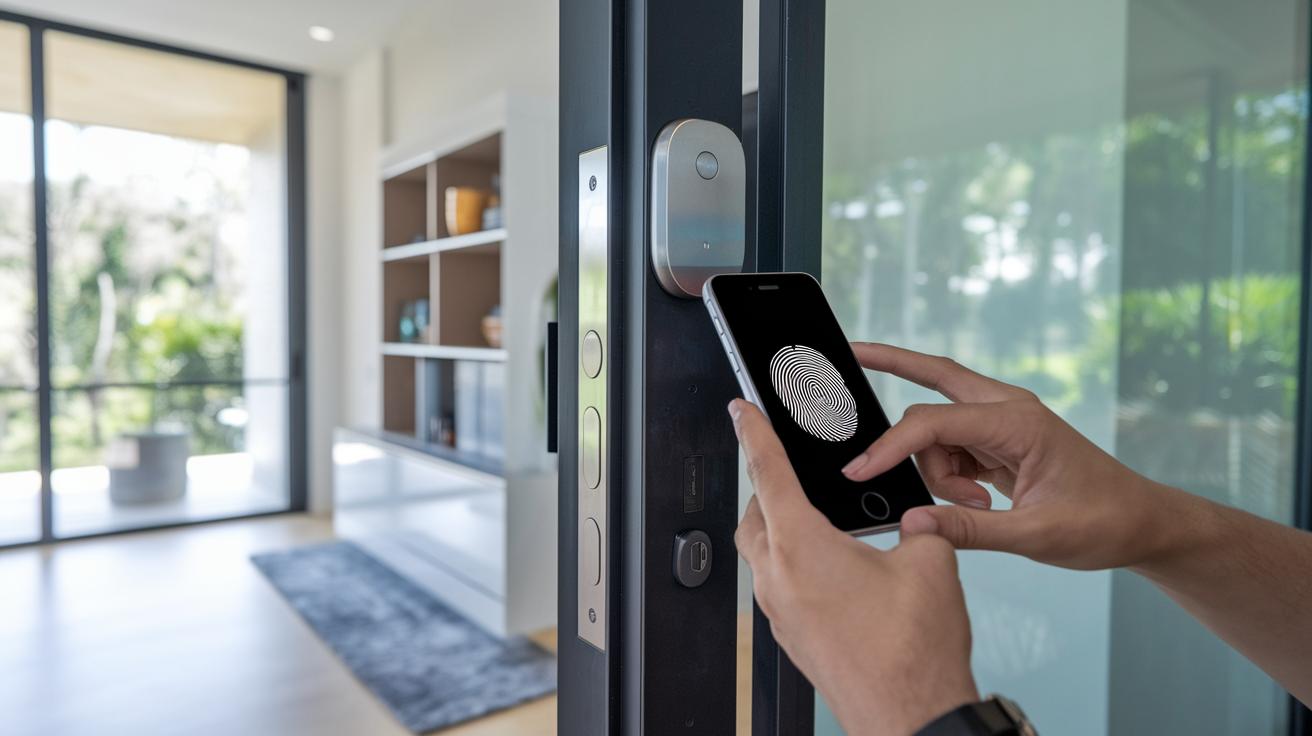
Passwordless systems are changing the way we get into our digital world. Instead of remembering long passwords, you might just use a quick fingerprint scan or tap a magic link sent to your phone. It's like opening a door with a simple touch, making it much harder for hackers to sneak in.
Companies now use clever security tricks like one-time passwords (temporary codes) and authenticator apps that refresh codes every so often. These methods protect your data while keeping logins quick and simple. For example, passkeys use secure key pairs stored on your device and often require a fingerprint or face scan. This means you get strong protection without the headache of remembering a password.
| Method | Mechanism | Factor Type | Typical Use Case |
|---|---|---|---|
| Magic Links | Single-use URLs via email/SMS | Possession-based | Quick, temporary access |
| OTPs | Dynamic, time-limited codes | Time-based token | Short-term authentication |
| Authenticator Apps | Time-based code generation | Software token | Frequent, secure logins |
| Passkeys | Public/private key pairs with biometric check | Biometric/possession-based | High-security environments |
| Hardware Tokens | Physical device activation | Possession-based | Enterprise-grade security |
All these methods show that you don’t have to choose between convenience and strong security. Whether you're using a quick fingerprint scan or a hardware key that creates a temporary passcode, the goal is simple: smooth and fast access that keeps your data safe. Each option plays a key role in protecting your information, making sure that your digital access is as quick as it is secure.
Security Advantages of Passwordless Authentication Protocols
Getting rid of your old-style passwords helps stop phishing scams, stolen login details, and guesswork attacks. In fact, 86% of website attacks today use stolen credentials, according to the 2023 Verizon DBIR. Tech like FIDO2 and WebAuthn uses a smart method (public-key encryption, think of it as a digital locked door) to block attackers. By ditching traditional passwords, these systems make it a lot tougher for hackers to get in. Plus, using zero-knowledge proofs (a neat trick that confirms who you are without giving away secrets) adds another layer of privacy.
Passwordless logins also work great with the Zero Trust model, which continuously checks and adapts to any risks. Central control systems set specific access rules and assess risks on the fly to meet standards like HIPAA, PCI-DSS, and CJIS. This strong setup not only boosts your security but also makes everyday digital access smoother and safer. For more details on Zero Trust security, check out zero trust security.
Overcoming Implementation Challenges in Passwordless Authentication Protocols

When you're adding passwordless login options to older systems, things can get pretty tricky. Companies have to get their directory services in order and build strong API links (a way for different software to communicate) while dealing with old methods that rely on hidden keys. This often means a lot of careful work to blend the new techniques with existing account management practices.
Another challenge comes from making sure everything works smoothly across different devices. Whether it’s a desktop, a phone, or a hardware key, the experience can feel uneven. Users might be wary of letting go of one-time codes or trying unfamiliar login methods. That's why clear messaging and a bit of training are so important. Testing things out with a small group first helps make the switch feel natural before rolling it out to everyone.
Taking a step-by-step approach is key. By focusing on the groups that face the biggest risks, companies can iron out issues, like linking different user profiles, while keeping the system secure and user-friendly. Thorough testing and custom policy settings help maintain a balance between safety and ease of use, all without having to overhaul the entire setup. This careful method minimizes risks and makes sure everything fits together just right.
Industry Standards and Best Practices for Passwordless Authentication Protocols
FIDO2 and WebAuthn pave the way for password-free systems by using open standards that big names like Apple, Google, and Microsoft back. NIST SP 800-63 even points out that phishing-resistant authenticators make these systems extra safe (that means they help keep scams at bay). It all shows why having a solid WebAuthn plan to handle digital identities securely is so important.
Best practices here include putting all authentication rules in one place and making sure devices are linked properly to users. Companies are advised to keep detailed audit logs and use a system that lets them check access across different platforms. This kind of central control makes enforcing rules easier and boosts overall security.
RSA’s business tools, like the iShield Key 2 Series and its Authenticator App, prove that scalable, mixed setups can work smoothly for many different environments. These solutions show how a set of best practices can be fine-tuned to meet both tough security demands and the need for flexible operations.
It is also crucial to handle consent carefully when dealing with biometric data or other sensitive details. Regular checks along with adjustable, role-based access controls help companies stick to rules like HIPAA, PCI-DSS, and CJIS. This way, they can keep data safe while easily adapting to new risks.
Emerging Trends in Passwordless Authentication Protocols: Fuel Fast Security

The move away from traditional passwords is speeding up. Big names like Apple, Google, and Microsoft are all adding more passkey options, showing that many in the industry are on board. Investors are excited too, a recent $88 million funding round in 2024 speaks volumes. New ideas, like blockchain identity anchors (a safe way to keep records secure) and zero-knowledge proofs (which check information without revealing details), are making our systems tougher and our privacy stronger. It’s a dynamic market where keeping a close eye on things and updating defenses are key.
Looking ahead, future tech will connect different systems more smoothly while boosting app security. This creates a privacy-first shield that cuts down on data exposure. Systems are getting smarter, watching for odd signs and adjusting safety measures in real time. Imagine a digital setup that quickly ramps up security when it spots unusual activity, this helps build a user experience that feels secure and ready for whatever challenges come next.
Final Words
In the action, this article walked through the power of passwordless authentication protocols, showing how biometrics, magic links, and passkeys can create a secure, smooth digital experience.
We explored the security benefits, implementation challenges, industry best practices, and emerging trends that shape how technology evolves. This forward-thinking approach promises reduced costs, fewer IT issues, and enhanced protection for organizations.
Embracing these innovative methods paves the way for a safer, streamlined future.
FAQ
Q: What are some examples of passwordless authentication and its protocols?
A: Passwordless authentication examples include biometrics like fingerprint scanning, passkeys using public-key encryption, hardware tokens, one-time passcodes, and magic links—all replacing traditional passwords for a secure login experience.
Q: How do passwordless authentication protocols work on Android?
A: Passwordless authentication on Android works by leveraging device-specific biometrics and passkeys stored securely, meaning users can sign in safely without typing in a traditional password.
Q: How does Microsoft implement passwordless authentication?
A: Microsoft’s passwordless solution uses features such as Windows Hello and passkeys, allowing users to verify their identities through biometrics or device-based approvals instead of relying on a traditional password.
Q: How is passwordless authentication used at Accenture?
A: Accenture utilizes passwordless authentication by combining advanced methods like biometrics and token-based verification to enhance security and simplify the sign-in process without traditional passwords.
Q: What does passwordless MFA mean?
A: Passwordless MFA means using multi-factor methods like biometrics, device notifications, or hardware tokens to verify identity securely, eliminating reliance on a static password while improving overall security.
Q: How does passwordless authentication work?
A: Passwordless authentication works by replacing the need for passwords with secure factors such as biometrics, hardware tokens, or mobile notifications, thus reducing risks associated with stolen credentials.
Q: How does FIDO2 support passwordless authentication?
A: FIDO2 supports passwordless authentication by using public-key cryptography and biometric verification, ensuring that user verification is secure, phishing-resistant, and smooth throughout the login process.
Q: What are the types of passwordless authentication?
A: The types of passwordless authentication include biometric methods (like fingerprint or facial scans), passkeys (cryptographic key pairs), one-time passwords, hardware tokens, and magic links, each offering secure access alternatives.
Q: Which three authentication methods support passwordless sign-in?
A: Three methods that support passwordless sign-in include biometrics (such as fingerprint scanning), hardware tokens (like YubiKey), and passkeys, each replacing traditional password-based logins with secure alternatives.
Q: Is FIDO2 considered a passwordless method?
A: FIDO2 is considered passwordless because it eliminates traditional passwords by using cryptographic key pairs and biometric verifications to securely authenticate users.
Q: What do Type 1, Type 2, and Type 3 authentication refer to?
A: Type 1, Type 2, and Type 3 authentication refer to different levels of identity verification protocols based on device binding, risk assessment, and contextual requirements, providing flexible options for secure access management.