

Ever think about your phone’s security like your front door? Mobile authentication acts like a digital key that only you have. It uses simple methods such as fingerprints, tokens, and location checks (basically, a quick GPS check) to keep out unwanted threats while letting you in with ease.
Old static passwords are fading into the past. Today’s techniques build trust by verifying who you are every time you log in. In this post, we’ll chat about how these improved methods not only block hackers but also keep your personal data safe and sound.
Core Principles of Mobile User Authentication Security

When you log into an app, we first check who you are using things like user IDs, passwords, fingerprints, or tokens. It’s like tapping your fingerprint sensor to open your mobile banking app, just as your home key unlocks your front door. This method makes sure every login is coming from someone we can trust.
Old-style passwords are not cutting it anymore because cyber threats are getting smarter. That’s why we now use clever methods that keep an eye on where you are, how your device behaves, and your usual app habits. By 2025, just relying on static passwords will feel as outdated as a paper map in the age of GPS.
It’s essential to keep your data secure from start to finish. End-to-end encryption (a way to lock down your data) makes sure your sensitive details stay private while they travel. And secure session management takes care of everything after you log in, so nothing falls through the cracks. Together, these steps ensure every interaction is both safe and smooth.
Common Mobile Authentication Methods and Their Security Profiles
Picking the best way to log in is super important because it builds a base of digital trust. The method you choose can make a big difference in how safe your app feels. As hackers come up with ever-new tricks, it's smart to pick a method that makes sure only the right person gets in, kind of like choosing a strong lock for your front door that stops unwanted guests.
- Password-based: It’s simple, but it can easily fall prey to trial-and-error hacks (brute-force attacks) or tricking you into sharing your info (phishing).
- Token-based: This uses tokens (like JWT with OAuth 2.0 or OIDC, which help decide who gets in) to protect your session. Just remember to watch over them carefully so thieves don’t steal your token.
- Biometric: Quick access with a fingerprint or a glance, but sometimes fake prints or photos (a trick called sensor spoofing) can fool the system.
- Certificate-based: This method uses device certificates (basically electronic IDs) to verify who you are. However, if you don’t handle these certificates properly, little cracks in your security might appear.
- Multi-factor: By mixing what you know (like a password), what you have (a device), and who you are (biometrics), it makes your account much safer, even if juggling all these steps can sometimes feel like a bit much.
- Passwordless: Using passkeys or physical security keys, this option gives you a smooth login experience without the hassle of remembering lots of passwords.
- Single sign-on: This makes it easy to access many apps with one login, but if that one system gets hacked, all your apps might be in trouble.
Pick a method that suits your threat level while keeping things easy to use. It’s all about knowing the trade-offs so that as mobile threats change, your security stays strong and your digital space remains a safe place.
Encryption and Protocols for Securing Mobile Authentication

Strong protocols keep mobile authentication safe, they work like a digital lock on your data, letting only trusted devices in. With encryption (a way to lock down your data) and smart protocol designs, each token and signature is checked before access is given. In our fast-moving tech world, tools like OAuth 2.0, OpenID Connect (OIDC), and SAML guard your private details and keep hackers away. They handle token creation and check digital signatures to make sure every action comes from someone you know.
| Protocol | Type | Use Case | Key Security Features |
|---|---|---|---|
| OAuth 2.0 | Standard | Secure token issuance | Token management and revocation |
| OpenID Connect (OIDC) | Identity Layer | User identity verification | Robust digital signature and flexible scopes |
| SAML | XML-based | Enterprise Single Sign-On | Strong assertions and digital signing |
| LDAP | Directory | User credential lookup | Efficient search and lightweight design |
| JWT | Compact Token | Session management | Digitally signed tokens with time-bound validity |
Choosing the right set of protocols for mobile apps is key, it’s like picking the best locks for your home, each covering a unique part of your security. By mixing methods from digital signature checks to encrypted user credentials, developers build a sturdy barrier that can adjust to new threats. This approach not only protects app sessions but also makes mobile network access safe. In truth, matching your protocol design to your exact security needs and the risks you face helps build digital trust.
Biometric Verification in Mobile Authentication Security

Imagine this: you tap your fingerprint sensor or glance at your phone’s camera, and in a flash, your device checks if you match a stored pattern. It’s like Apple’s Face ID, where a quick look or tap lets you in. This method not only speeds up your login but also makes your digital experience feel more natural and trustworthy, because it uses something that’s already part of you.
Of course, nothing’s 100% foolproof. Even though fingerprints and face scans are strong, there are some risks. For example, hackers might try sensor spoofing by using fake prints or photos, or they might attempt template extraction (stealing the digital version of your biometric data). To fight these issues, modern devices use special hardware security, like a secure enclave (a trusted spot on your device that holds your data safely). This extra shield makes sure that even if one part of the system is breached, your personal identity stays well guarded.
Multi-Factor and Adaptive Access Control for Mobile Authentication Security
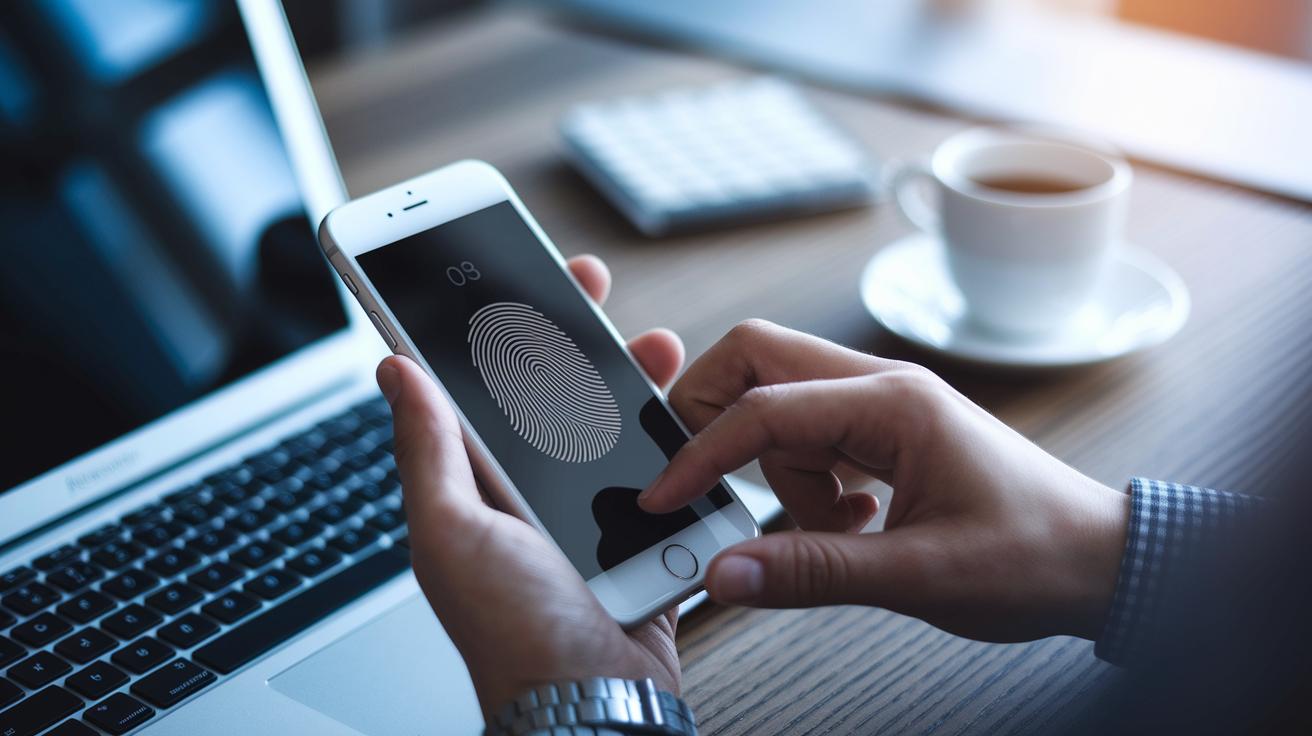
Multi-factor access control makes each sign-in more trustworthy. It mixes what you know (like a password), what you have (like a phone or security token), and what you are (like your fingerprint) into a strong lock for your app. A common method is two-step mobile sign-in, where you verify your identity in two simple steps. This keeps your account safe even if one detail gets compromised. Sometimes, though, too many prompts can wear you out. That’s why balancing strong security with a smooth, friendly experience is key.
Adaptive access management takes things a step further by checking details like your device, location, and usual behavior. It tweaks the security check based on the situation. With risk-based methods, if something seems off, it asks for extra verification. This keeps your journey seamless while adding extra protection in risky moments. Using a zero trust security approach (which always verifies every access attempt) lets digital systems adjust protections automatically to match the current threat level, ensuring mobile authentication keeps building digital trust.
Addressing Threats and Vulnerabilities in Mobile User Authentication Security

Mobile authentication deals with a range of risks. Malicious apps can copy trusted ones perfectly, and phishing or smishing scams might trick you into sharing personal data. Unsecured public Wi-Fi networks add another layer of danger by allowing attackers to hijack your session. When your credentials are exposed, it can lead to unauthorized access and serious data breaches. And if your device is lost or stolen, both personal and company information become even more vulnerable.
Staying safe means using a multi-layered defense approach. For example, running app vulnerability assessments (simple tests to spot weaknesses) helps catch issues before hackers can take advantage. Strong mobile device risk management takes care of threats from compromised hardware. Techniques like code signing (a way to verify that apps are genuine) and secure provisioning make sure only trusted apps and devices are allowed. And let’s not forget, user education is key. When people know how to avoid dangerous behavior and spot scams early, everyone benefits.
Emerging Trends and Future Directions in Mobile User Authentication Security
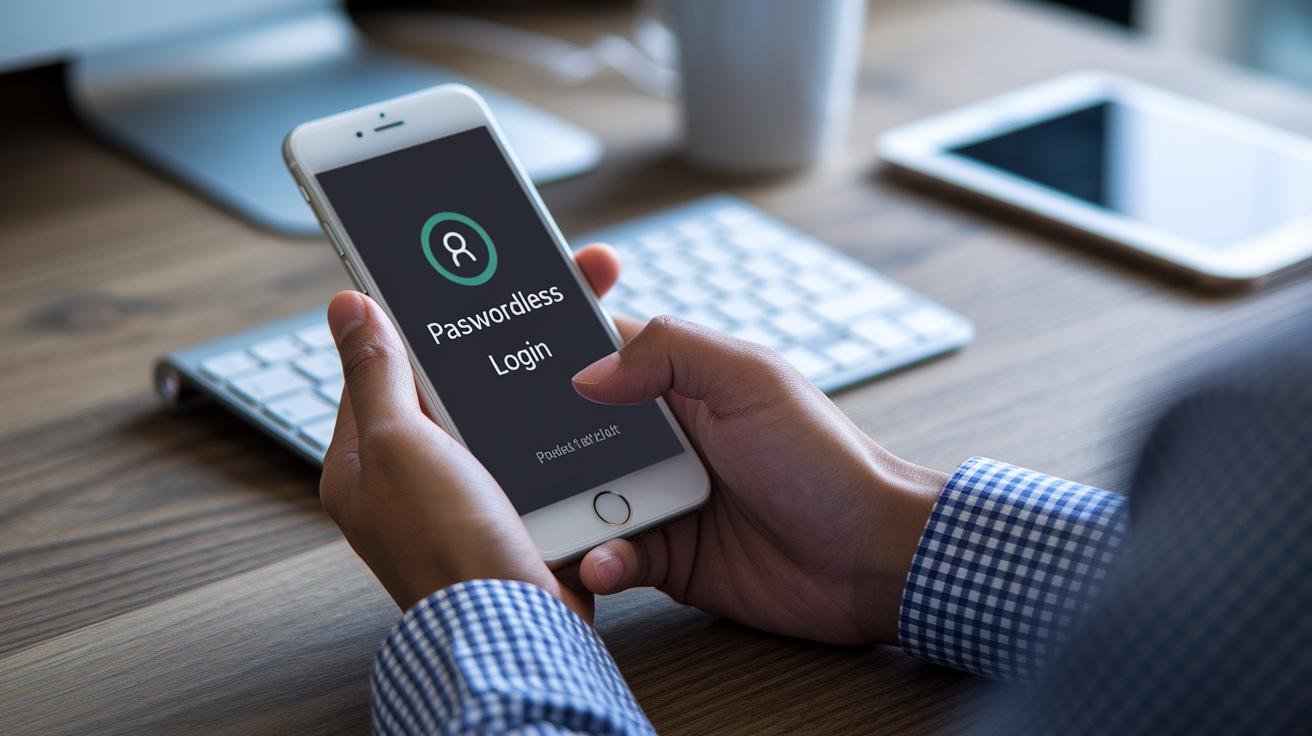
The digital world is moving past old, clunky passwords. Today, more people are using passwordless mobile logins with passkeys and small hardware keys that let you skip the headache of remembering hard codes. Fingerprint scans and voice recognition are teaming up with simple checks that watch your touches and typing to build a unique profile. It’s like getting a secret handshake with your phone every time you log in, easy and secure.
Looking ahead, smart tech powered by AI (artificial intelligence, or computers that can think a bit like us) is set to keep us safer by watching how you normally behave and flagging anything weird. Cloud-based systems and digital ID wallets are becoming a one-stop shop for all your login details, making it super simple and smooth to access your apps. In truth, these fresh ideas help pave the way for a future where security feels natural, almost like having a trusted friend guard your personal info.
Final Words
In the action, we explored mobile user authentication security from every angle, covering core principles, the evolution of credentials, and adaptive methods that boost protection. We looked at everything from biometric checks to encryption protocols that secure every app session.
Each element builds a digital shield, ensuring users have a smooth, safe experience. These insights help carve a path toward more secure, efficient digital operations. Moving forward with innovative tech solutions will keep us one step ahead of threats and empower seamless user access.
FAQ
How does mobile user authentication security work on various devices and platforms?
Mobile user authentication security verifies your identity using methods like phone numbers, app setups on Android, or APK installations, ensuring that each device and platform only grants access to the right user.
What mobile authentication methods are available, including OTP?
Mobile authentication methods include password-based, token-based, biometric, and one-time password (OTP) techniques. These methods work together to create a secure process for verifying your identity on the go.
What are the four types of authentication in mobile security?
Four types of authentication usually involve something you know (like a password), something you have (such as a token), something you are (biometrics), and sometimes even your behavior—each playing a key role in keeping your access secure.
How does two-factor authentication strengthen mobile security?
Two-factor authentication enhances security by requiring a second verification step—usually a temporary code or push notification—making it much tougher for unauthorized users to access your account.
How do mobile authentication apps like Duo Mobile, Google Authenticator, and others work?
Mobile authentication apps generate time-based codes or send push notifications to verify your identity, adding an extra layer of protection that goes beyond just using a password.