

Ever wondered if logging in could feel as smart and caring as a trusted friend? Adaptive user authentication keeps a watchful eye on your digital doorway (think of it as a friendly guard) by checking where you are, what device you’re using, and even the way you type. Instead of relying only on a password, it tailors its security to match your personal habits.
This smart approach smooths your access while ramping up protection when needed. And isn’t that a comfort? It’s like having the gentle tap that unlocks a vault of security without any extra hassle.
Adaptive Authentication Techniques: How Dynamic Methods Adjust Security to User Context

Adaptive authentication means the system keeps checking who you are every time you log in. Instead of just using a username and password, it looks at things like where you are, what device you’re using, and how you usually behave. Think of it like stepping into your favorite room, the door might tighten up its lock if it notices something a bit off from the usual.
This smart system only asks for extra security when it really needs to. If everything seems normal, you get a quick, smooth login without any hassle. But if it spots something strange, maybe an unfamiliar device or a weird location, it bumps up the security by asking for more proof, like a quick second check you might call multi-factor authentication (another way to prove it’s really you).
The cool part is that this adaptive way of logging in makes everyday sign-ins easier. When you’re in a place you often visit, like your home or work, it lets you in with minimal fuss. But if someone tries to log in from somewhere unexpected, you get a bit more protection with extra checks.
In short, using things like behavior checks, location tracking, and device profiling, adaptive authentication fine-tunes security for each situation. It makes sure you’re safe without always slowing you down, keeping the balance between strong protection and a smooth login experience.
Behavioral and Contextual Methods in Adaptive Authentication

Adaptive authentication mixes everyday behavior clues with context hints to decide when you might need extra checks. One simple way it does this is by looking at how you type or move your mouse. The system pays attention to these little details, if it notices your typing speed or style suddenly change, it might ask, "Hold on, can you confirm your identity for me?" This clear check helps catch things that might seem off and stop fraud in its tracks.
Location checks work similarly. The system uses things like your IP address, GPS, or Wi-Fi signals to see if you’re in a usual spot. If it thinks you’re signing in from somewhere new, it gently asks for extra verification, like a friendly reminder: "It looks like you’re accessing from a new place. Please verify your account." This easy extra step makes your protection even stronger.
Another layer of security comes from checking your device's unique details. It looks at things like your operating system and browser type. If your current device seems different from before, the system may alert you or ask you to complete multi-factor authentication (another way to confirm your identity).
Lastly, anomaly detection brings all these clues together. It looks at things like the time of day, network signals, and your past behavior to give a quick risk score. If that score feels high, extra security moves in right away. Supported by smart tech from partners like Behavioral Tech, this method strikes a friendly balance between ease of use and strong protection.
Integrating Multi-Factor and Biometric Solutions in Adaptive Authentication
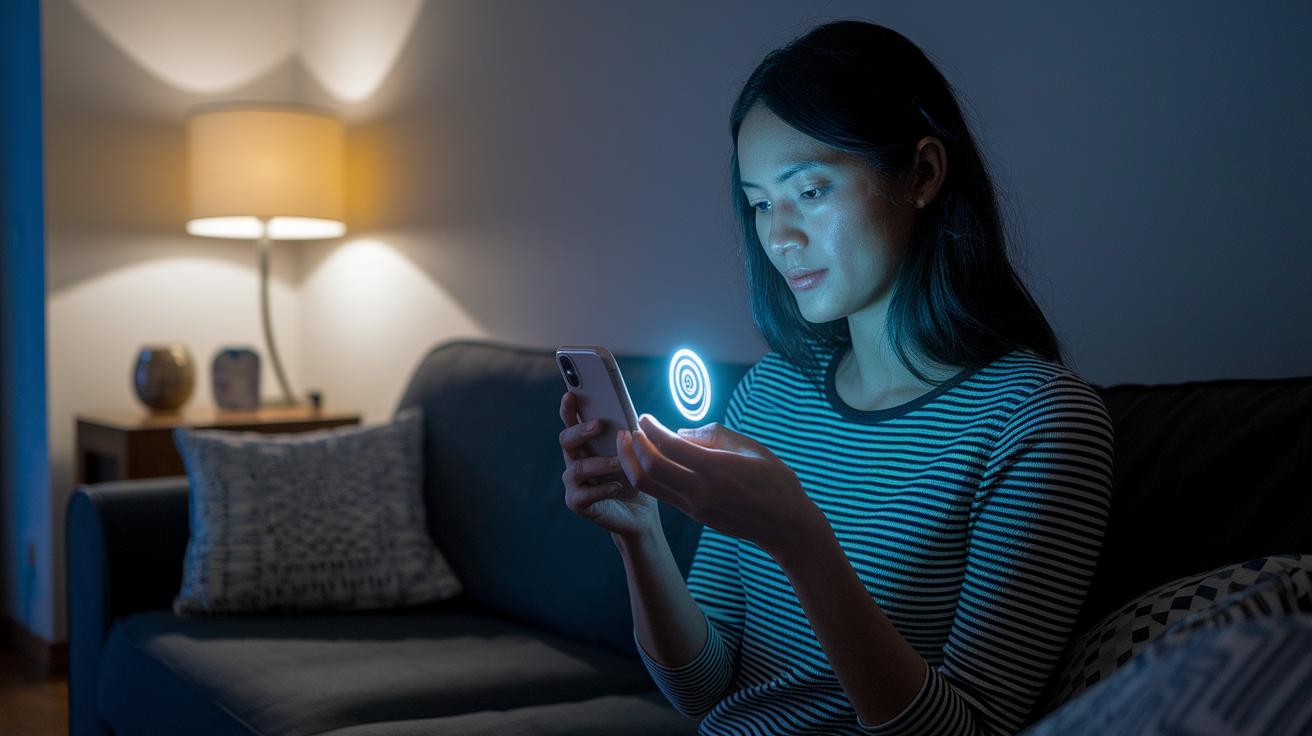
Adaptive MFA starts with simple steps like using a password or a one-time code for everyday, low-risk logins. But if the system spots something unusual or risky, it quickly ramps up security by asking for extra verification. Like when Lisa logged in from a new place late at night, her account asked for a quick face scan to be sure it was really her.
Biometric checks, whether it’s your face, fingerprint, or even your voice, team up with details about your device and location to quietly confirm your identity. Imagine the smooth tap of your fingerprint letting the system do its behind-the-scenes work without extra hassle. This smart pairing of biometrics with real-time risk checks means you stay secure without any annoying interruptions. Think of a busy professional who uses a fingerprint scan on a trusted device and gets nearly instant access, even when something seems a bit off.
Passwordless options, like magic links or FIDO2/WebAuthn (a secure way to log in), simplify things even further by cutting out traditional passwords. So if you ever forget your password, you’re still in safe hands without missing a beat.
Centralized OAuth 2.0/OIDC workflows (standards that let apps rely on a trusted identity provider) make it easy to keep security checks consistent. This means that features like behavioral cues and challenge-response verifications work seamlessly across devices. In practice, you might log into your account from both your smartphone and desktop at the same time, enjoying a smooth and secure experience all around.
Machine Learning and Risk Assessment Techniques in Adaptive Authentication
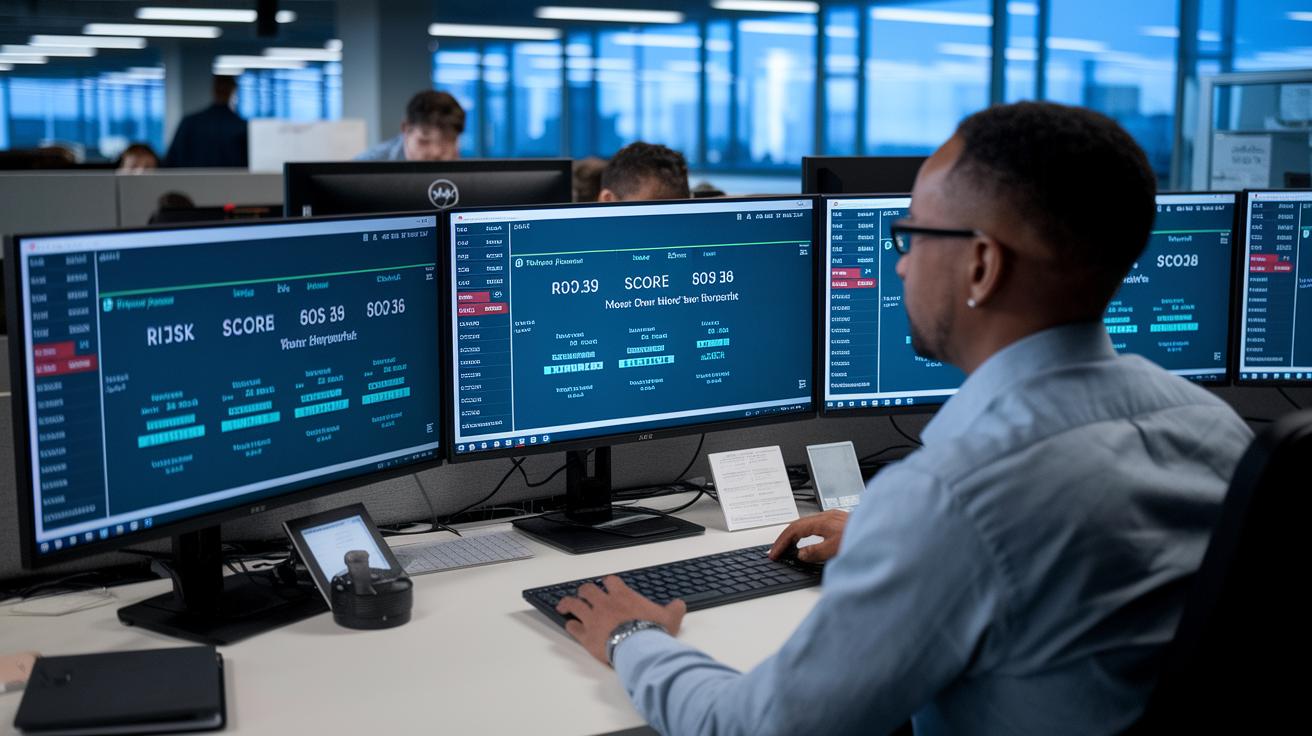
Machine learning identity models change how we protect digital access by using real-time details like device type, location, and actions to give each login a risk score. For example, if someone signs in from a device you've never seen or from an unusual spot, the risk score rises right away and extra checks kick in.
Adaptive risk scoring checks how current actions stack up against what’s normal from before. It makes sure nothing strange slips past. So, if there’s a sudden flood of login attempts, the system automatically asks for more proof of who you are or might even block the access.
Threat analytics add another layer of safety by matching live user info with known attack signals (like stolen password attacks or phishing). Imagine it as a friendly guard who steps in the moment something odd happens.
With constant updates from new data, this smart system adjusts its safety limits to stay ahead of threats. Using machine learning models, adaptive scoring, and automated checks together builds a strong shield that keeps you safe without slowing you down.
Implementation Challenges and Best Practices for Adaptive Authentication
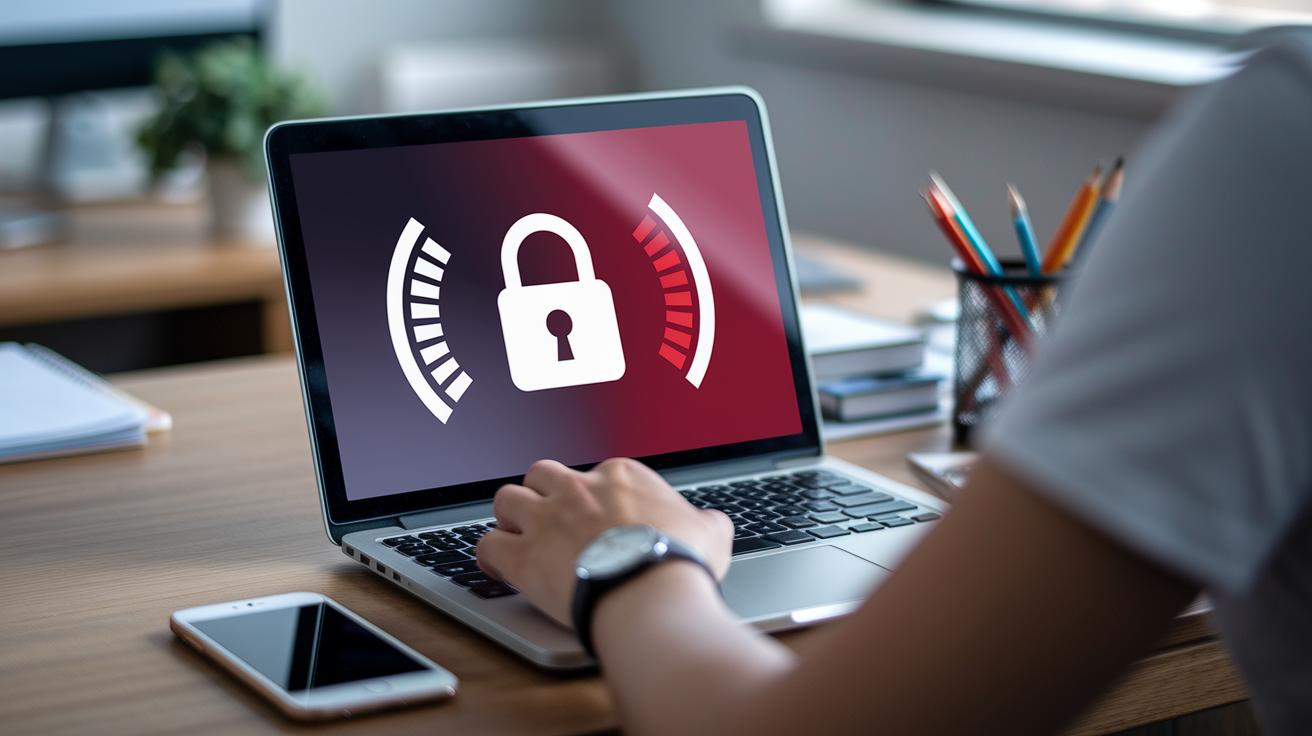
Many older systems still rely on basic username and password setups. It’s a bit like using an old lock on your front door; sometimes you need an extra adapter before the new key can even work. Organizations often run into trouble when their current apps aren’t built to handle adaptive security checks, meaning they might miss out on modern layers like identity orchestration platforms (tools that securely link your apps with your identity provider).
Adaptive authentication needs regular fine-tuning. One smart move is to set clear risk limits so the system knows when to boost security. By keeping an eye on policy performance and updating machine learning models (systems that learn from data), you can make sure the process stays on point. Imagine if a user suddenly behaves in a way that’s different from usual, this might be the perfect time to ask for a little more proof of identity.
Sticking to proven guidelines not only protects sessions but also strengthens identity checks, keeping cloud security fresh and effective. Companies should build access rules that adjust on the fly to counter emerging threats. That way, both everyday and high-risk activities are safely managed without a hitch.
Using a zero trust security approach (which means always double-checking the user, device, and session) is key to this adaptive model. By following these best practices, organizations can avoid retrofitting headaches and create dynamic, user-friendly systems that deliver strong protection while keeping things simple.
Real-World Use Cases and Future Trends in Adaptive User Authentication Techniques

Banks and financial institutions are making security smarter every day without slowing you down. They check where you are and what device you’re using so that if you try to log in from an unusual spot, say, at midnight, you might get a quick prompt on your phone asking for a face scan. It’s that simple extra step that stops fraud while keeping your everyday logins hassle-free.
Healthcare providers are on board too. Their systems decide how tough the security needs to be based on the sensitivity of the data. So, if a doctor opens patient files from a new device, the system nudges them for extra verification. This little extra bit goes a long way in protecting sensitive health details.
Mobile apps are also stepping up their game. Many now use push-based prompts that let you log in almost instantly on your trusted devices. It feels almost magical! And with identity platforms that work across cloud, on-premises, or hybrid environments, companies can easily spread these smart checks everywhere without a major overhaul.
Looking ahead, expect more systems that make smart, automatic decisions about risks and let you log in without a password at all. Soon, tools that study your behavior (like how you usually tap or swipe) and spot threats in real time will be the norm. Automated fraud detection and continuous monitoring will join forces to keep your identity safe. In short, the future is all about balancing rock-solid protection with a smooth, worry-free experience.
Final Words
in the action, this article walked through a robust look at adaptive user authentication techniques, detailing how dynamic methods adjust security to user context while balancing convenience and protection.
We explored behavioral and contextual signals, multi-factor and biometric verifications, and machine learning risk assessments that enhance modern digital experiences. We also dove into best practices and real-world use cases to drive secure innovation. The future of secure login protocols is bright, and the journey toward evolving security protocols promises a seamless, safe digital transformation.
FAQ
What is adaptive authentication?
The adaptive authentication means a security method that adjusts login steps in real time using factors like location, device data, and behavior to balance ease of use with strong protection.
What is an example of adaptive authentication?
The adaptive authentication example uses behavioral analysis (like typing patterns) and device fingerprinting to decide if extra verification (MFA or biometrics) is needed while keeping logins smooth.
What are the three methods of user authentication?
The three methods include knowledge factors (passwords), possession factors (tokens or one-time codes), and inherence factors (biometric traits such as fingerprints or facial recognition).
Which authentication options are part of adaptive authentication?
The adaptive approach leverages options like multi-factor logins, behavioral biometrics, device fingerprinting, and contextual checks that adjust based on real-time user risk.
Why is adaptive authentication preferred over traditional MFA?
The adaptive method is preferred because it reduces unnecessary extra steps by tailoring prompts based on real-time risk assessments, ensuring both security and a smoother user experience.
What are adaptive user authentication techniques in cybersecurity?
The adaptive techniques in cybersecurity integrate dynamic assessments—such as location checks, device profiling, and behavioral analytics—to promptly adjust security measures and guard sensitive information.
How do ServiceNow and Citrix incorporate adaptive authentication?
The ServiceNow and Citrix integrations combine adaptive checks like risk scoring and device verification with their identity platforms to deliver flexible, context-aware, and secure access management.
What do adaptive identity zero trust and adaptive identity psychology mean?
The adaptive identity zero trust approach continuously verifies every user regardless of location, while adaptive identity psychology uses behavior insights to personalize and refine security measures.