

Have you ever thought your login could feel as friendly as a trusted buddy? Today’s artificial intelligence is stepping in to replace the old password methods that hackers find too easy to beat. Instead of just checking your password once, picture a system that notices how you type and move your mouse, almost like it’s getting to know you. This smart method acts like a vigilant guard for your digital door, giving you safer access and a more personalized experience. It's a big step forward, moving us toward a future where security fits you perfectly, every time you log in.
Overview of Artificial Intelligence in User Authentication

Artificial intelligence is changing how we log in by replacing old methods like passwords, fixed two-step checks, and standard biometric scans. These older techniques can be tricked by phishing, brute-force trying, or reusing weak passwords. Instead, AI looks at real-time details, like your device, location, typing speed, or even the way you move your mouse, to make sure it's really you. For example, if it notices you’re typing slower than usual, it might ask an extra question to double-check your identity.
Think of continuous authentication as having a friendly digital bodyguard who stays alert throughout your online session. This smart system keeps checking that everything is normal as you use it and steps in right away if something seems off. It’s a big step up from just checking once when you log in and works smoothly with your existing user account tools, making the upgrade feel natural and easy.
Imagine starting your day with a system that knows you, not just by your face or fingerprint, but also by your everyday habits. Picture entering your workspace and having the system recognize your unique way of typing or your posture. This mix of on-the-spot intelligence and adaptive security means you get a safer, smoother experience every time you log in.
Evolution from Traditional Authentication to AI-Driven Verification

Old password systems and fixed two-step checks are getting outsmarted by clever hackers using AI tricks and social lures. Now, we’re shifting to setups that keep an eye on how you behave when you log in, calculating a real-time risk score for every try. Imagine a system that tweaks its security based on your usual habits and where you are at that moment, kind of like having a smart assistant that senses when things aren’t right.
Instead of the clunky old methods, today’s AI-powered security blends biometrics (your unique bodily traits, like a fingerprint) and context from your surroundings to let you in without the fuss of passwords. Picture it as a savvy, adaptable guard who screens for odd behavior right when you log in. For example, think of a secure entry that not only lets you in with a quick tap but also watches over your session to keep everything safe.
| Traditional Authentication | AI-Driven Verification |
|---|---|
| Uses fixed passwords and stagnant two-step codes | Constantly learns from your behavior to judge risk |
| Easy to break with AI-driven hacking and social tricks | Adjusts security based on location, device, and habits |
| Can be clunky with hard-to-remember passwords | Offers a smoother, password-free experience with biometrics |
There are still challenges with AI security, though. Balancing privacy while gathering behavior data and keeping up with smart cyber attacks is tough. Think of it like upgrading a simple lock to a smart system that learns your habits to protect you even better.
Key AI-Powered Authentication Techniques and Technologies
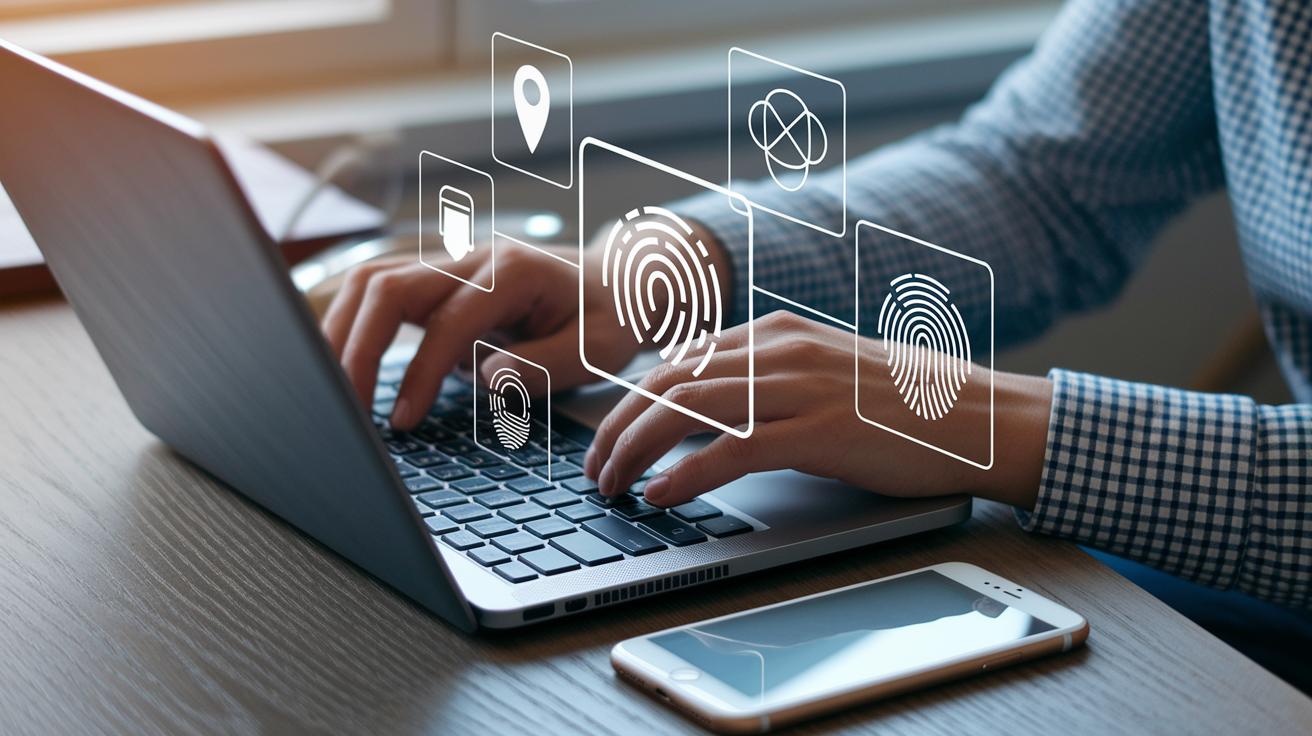
AI makes logging in safer by learning how you use your devices. It watches simple things like how you type, move your mouse, or even how you walk (gait means your walking style) to confirm you are who you say you are. If the system notices something off, like a change in the way you type, it might ask for extra checks, just like a friend would if you suddenly acted a bit different.
Next comes contextual authentication. This step looks at extra details such as your location, your device’s unique fingerprint (a special way to recognize your device), or the network you’re using. So, if you try to log in from a new gadget or an unusual place, the system does more checks to keep your account safe, even if someone has your password.
Then there’s continuous authentication, which watches your actions the whole time you’re logged in. It uses smart deep learning checks (a way to train computers to notice patterns) and neural network methods to compare what you do with your usual habits. If someone takes over mid-session and behaves oddly, like clicking around in strange ways, the system will catch it and ask for more verification.
We also use advanced biometric tools like face recognition and voice security. These tools study details from your face or voice with high precision, making it very hard for anyone to trick the system. Imagine a secure login that checks both your face and voice, if your face matches but your voice doesn’t, the system might slow down access or ask for another confirmation to ensure it’s really you.
Using these enterprise AI solutions shows how our tech builds a secure, flexible way to check your identity. It adapts to your unique digital style while keeping potential threats out.
Implementing AI in User Authentication Systems

Begin by sketching a step-by-step plan. It’s like drawing a blueprint: check out your current setup and then plan how to add each new AI feature slowly so nothing gets disrupted. Think of it as stacking strong blocks one after the other to build a secure fortress.
Next, make sure your system always checks who’s trying to get in. Use secure methods (ways to lock down your data) at every stage so that every login and session is verified in real time. This means every part plays its role, keeping any odd activity at bay right away.
Then, turn your attention to using cloud-based verification with trusted security tools. For instance, use cloud APIs (services that help connect you to the cloud) to keep your system flexible and robust. And don't forget mobile checks when people log in from smartphones or tablets, using mobile tools on the device speeds everything along and adds extra protection.
Lastly, mix all your AI parts with a zero-trust approach (where nothing is trusted until it's proven safe) to keep things secure at every step. This careful, gradual method lowers risks while making sure new AI features fit smoothly with your old setup. In the end, smart planning turns the AI upgrade from a tough challenge into a reliable, secure boost for today’s digital access.
Enhancing Security and Fraud Prevention with AI Authentication

Our AI keeps an eye on how you use your account and instantly adjusts your security if it sees anything odd. We built in extra smart features like federated learning (a way to train models right on your device without collecting your personal data centrally) and constant trust checks that keep updating how safe your account is.
Imagine this: instead of listing every little detail about fraud detection, think of your account like a safe that checks its lock every time you tap it. This means only you can open it, keeping your digital world secure and easy to enjoy.
Real-World Use Cases and Future Trends in AI Authentication

IBM Security Verify shows how smart AI tools can change the way we check identities. This system, already used by a big analytics firm and Colgate, proves that quick, automated ID checks work well in everyday business. Picture a secure platform that keeps an eye on how you use it, like a friendly helper that steps in if something seems off.
Today’s tech is moving toward smarter ways to manage your digital identity. Fields like banking, online shopping, and healthcare are starting to use methods that not only check who you are at sign-in but continue to verify you throughout your visit, sort of like a secure handshake that keeps you safe all the time.
Looking ahead, more industries are set to adopt these ideas. New twists, like blockchain-based decentralized identity and self-sovereign identity (meaning you control your own digital info), promise a way to keep your data private by cutting out the need for big, central storage places.
- AI identity verification tools add an extra layer of safety
- Automated identity checks offer a fast, real-time response
- Digital identity management goes beyond one-time checks
- Decentralized security helps avoid single points of failure
These advances are just the start of making our digital world both safer and easier to use.
Final Words
In the action, we saw how AI transforms user authentication. The blog showed the shift from passwords to adaptive, secure approaches like risk-adaptive verification and continuous trust assessment. We explored smart techniques, from deep learning biometric checks to contextual behavioral scouting, that replace outdated methods with real-time, secure login intelligence. By integrating artificial intelligence in user authentication, you pave the way for smoother operations and robust defenses. Embrace these advances and keep moving toward a safer, more innovative digital future.
FAQ
What is AI authentication check?
The AI authentication check verifies user identity by examining real-time behaviors and contexts. It uses smart algorithms to spot unusual activity and secure the login process.
What is an AI Authenticator?
The AI Authenticator is a system that uses machine learning to analyze behavioral patterns, like keystroke dynamics, to confirm users’ identities without relying only on traditional passwords.
How does an AI detector work in authentication?
The AI detector monitors user behavior and contextual cues, comparing live data to known patterns to flag suspicious actions and support secure access.
What is MFA?
MFA stands for multi-factor authentication. It requires users to provide multiple proofs of identity—like a password and a fingerprint—making the login process much safer.
How is AI used in authentication?
AI in authentication checks user behavior and contextual data, such as location and device type, to add adaptive security layers that continuously verify if the person logging in is genuine.
How does AI contribute to user authentication processes in cybersecurity?
AI contributes by continuously tracking behavior and risk patterns, allowing systems to detect anomalies and instantly adjust security measures for better protection.
What are the four types of authentication methods?
The four types involve something you know (a password), something you have (a security token), something you are (biometric data), and something you do (behavioral actions), all working together to protect access.
What is an AI-based keystroke dynamics method for user authentication?
The AI-based keystroke dynamics method analyzes how you type, including speed and rhythm, to verify your identity and add an extra layer of security during the login process.