

Have you ever thought that your password might be the weakest part of your security setup? Picture using your fingerprint or face as your secret passcode, unique to you and way simpler than remembering a bunch of letters.
Biometrics (using parts of your body, like your fingerprint, to unlock things) make logging in super fast and personal, kind of like a friendly, smooth handshake. But old-fashioned passwords still work as a backup, giving you comfort with familiar security.
This mix of modern ease and time-tested reliability makes you wonder: could your choice be the key to a safer digital future?
biometric vs password authentication: Elevate Security

Biometric authentication uses unique parts of your body or how you naturally behave, like your fingerprint, face, or the colored part of your eye (iris), to confirm who you are. Unlike a password that you have to remember and type in, biometrics work quietly in the background, checking you with every look or touch.
It’s a neat system that not only feels personal but also keeps you safer. Since you can’t easily pass your fingerprint or face image to someone else, it’s much harder for hackers to steal your identity. Plus, unlocking your phone with a quick scan is often twice as fast as typing a long password. Have you ever noticed how a simple scan can save you precious time on a busy morning?
That said, traditional password methods are still very common. They feel familiar and are always available, even when a biometric sensor might have trouble, like if your finger is wet or your face isn’t fully visible. In many cases, using a password is the backup when biometrics can’t do the job.
In the end, choosing between biometrics and passwords depends on your needs. Biometrics are great when you want speed and ease, while passwords offer a tried-and-true option for when things don’t go as planned. Each method plays a key role in keeping your account secure and ensuring smooth, hassle-free access.
Biometric Authentication: Types and Mechanisms

Biometric authentication uses your unique traits, like your fingerprints or the way you speak, to quickly and securely verify who you are. It’s like having a personal key that only you can use, making everyday access both safe and speedy.
- Fingerprint scanning: This popular method reads the tiny ridges on your finger to grant access accurately.
- Facial recognition: Ever unlocked your phone with a glance? This technology maps your face to give you quick entry.
- Iris pattern analysis: Using the detailed structure of your eye’s colored ring (iris), this method rarely makes mistakes.
- Voice print validation: It listens to the unique patterns in your voice, almost like a friendly check that you’re really you.
- Behavioral verification: This system watches everyday habits, like the way you type or walk, to add an extra layer of safety.
- Palm vein scanning: By reading the unique vein patterns in your hand, this tech provides strong security, especially in busy workplaces.
- Retinal pattern authentication: It checks the unique layout of blood vessels in your eye, perfect for environments where security is a top priority.
For all these methods to work right, top-quality sensors and careful adjustments are key. Good sensors pick up even tiny details, much like adjusting a guitar to hit just the right note. When everything is in tune, your biometric system runs smoothly, making every login feel both effortless and secure.
Password Authentication: Processes and Protocols

Password authentication turns the password you choose into a secure, scrambled version using a process called hashing (a method that scrambles your password into a secret code). In this process, your original password is mixed with a random set of characters known as a salt, which creates a unique code that keeps your actual password hidden. Even if two people pick the same password, the salt makes sure their codes look different. When you create your password, you also follow rules like using a certain number of characters and mixing in numbers or symbols, helping to build a strong key that’s hard to guess or break into.
Hackers try different tricks to crack your password, such as dictionary attacks (using lists of common words), phishing scams that trick you into giving up your details, and credential stuffing, which uses stolen passwords to sneak in. To fight these risks, systems often change passwords regularly and lock accounts for a short time after too many tries. This way, even though passwords rely on something you know, careful design and constant updates play a huge part in keeping your digital access safe and secure.
Security Comparison: Biometric vs Password Authentication
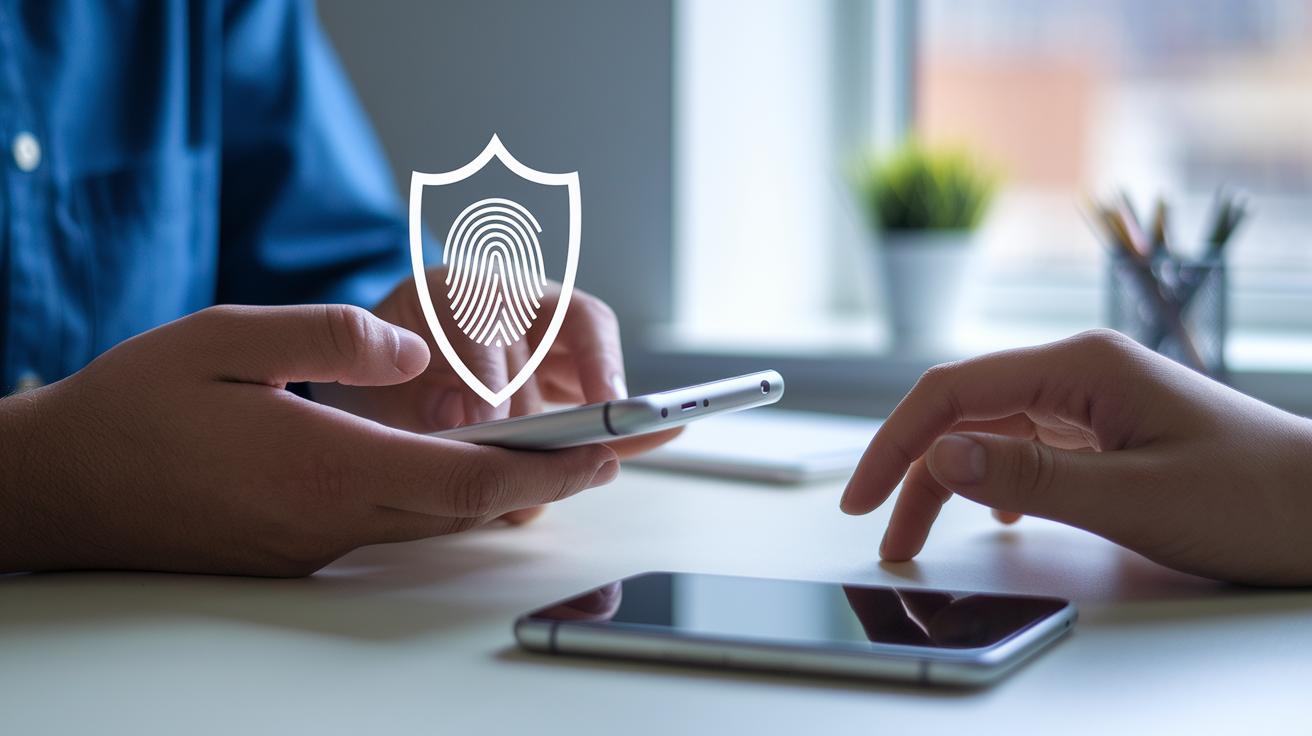
Biometric systems use your unique physical or behavior traits, like a fingerprint or even the way you walk, to create a strong shield against cyberattacks and fraud. They’re tough to trick and can’t be easily shared. Sure, they might occasionally reject you about 1% of the time, but that trade-off comes with a lot of built-in security.
Passwords, on the other hand, let you reset them if they get into the wrong hands. However, they’re more vulnerable to hacks like brute-force attacks and phishing scams. For many businesses, each stolen record can cost around $150. That’s why picking the right method based on the risks you face matters a lot.
| Factor | Biometric | Password |
|---|---|---|
| Phishing Resistance | High | Low |
| Changeability | Not Alterable | Easy to Reset |
| False Rejection Rate | ~1% | N/A |
| Attack Complexity | High | Medium |
Combining both methods with multi-factor authentication can boost your security even more. By blending the tough, unique nature of biometrics with the flexibility of passwords, you create a layered defense that covers the weak spots of each approach. This mix leads to safer and more dependable digital access.
Usability and Efficiency: Biometric vs Password Authentication

Have you ever noticed how a quick scan can unlock your device almost instantly? Biometric logins work twice as fast as typing a password by hand. In the best situations, these scans succeed more than 97% of the time, making them a reliable choice. Meanwhile, typing a password can lead to mistakes about 5% of the time because of missed characters or typos. This not only speeds up logging in but also helps you avoid frustrating delays.
Today, most mobile phones and smart devices use fingerprint or face unlock because they're just so convenient and responsive. Users often say they love how these methods save time and make daily routines smoother. Even though passwords are familiar, their slower pace and high error rate can interrupt your day. In truth, the fast, reliable feel of biometrics fits perfectly with our busy, digital lives.
Implementation Challenges: Biometric vs Password Authentication

Using biometric security, like fingerprint, face, or eye scans, often means you need special tools, which can bump costs up by around 20–30%. These devices are more expensive than the simple systems used for passwords. Companies must weigh the benefit of quick, secure entry against the higher price tag, while password systems come with their own issues like frequent resets that can leave users feeling worn out.
Privacy laws such as GDPR and CCPA treat biometric details as very personal. This means companies have to protect stored data using methods like encryption at rest (a way to lock data away while it’s stored) to keep unauthorized visitors out. Following these legal rules forces businesses to adopt stricter security measures, which can make managing systems more complex and expensive.
There’s another side to consider: training employees and enforcing policies. Companies need to invest in teaching staff how to handle data correctly and set up audit trails along with regular checks to ensure the rules are followed. Keeping security protocols updated is key to spotting any issues fast. Even though these extra steps require more resources, they are vital for keeping our digital world truly secure.
Future Trends: Hybrid and Next-Generation Authentication Beyond Biometric vs Password
Passwordless authentication is racing into the future. More companies are saying goodbye to old-school methods and welcoming smoother, safer ways to log in every day. Passkeys and similar ideas are catching on because they get rid of the need for passwords, leaving users with a seamless digital experience. This shift is opening the door for new verification systems that mix the best parts of hardware and software to keep things both secure and efficient.
- Genetic markers: Imagine using a unique trait from your body as an extra check (think of it like a personal key made from your own genes).
- Gesture identification: How cool would it be if a simple hand movement could unlock your device? It's a natural, almost magical way to show who you are.
- Continuous auth: Instead of a one-and-done check, the system keeps a gentle watch over how you interact (like noticing your typing style or the rhythm of your walk).
- IoT-focused solutions: With smart devices all around us, new ideas are set to make authentication flow perfectly across every gadget you own.
- AI-driven risk scoring: Smart algorithms will soon be able to check risk levels on the fly, adapting your access based on what’s happening right then and there.
Looking forward, experts say that these mixed systems will jump by about 30% by 2025. Companies are starting to plan for layered setups where biometrics, behavior cues, and new tech work as a team. This blend not only boosts safety but also meets our need for quick and simple access in a fast-paced digital world.
Real-World Applications of Biometric vs Password Authentication
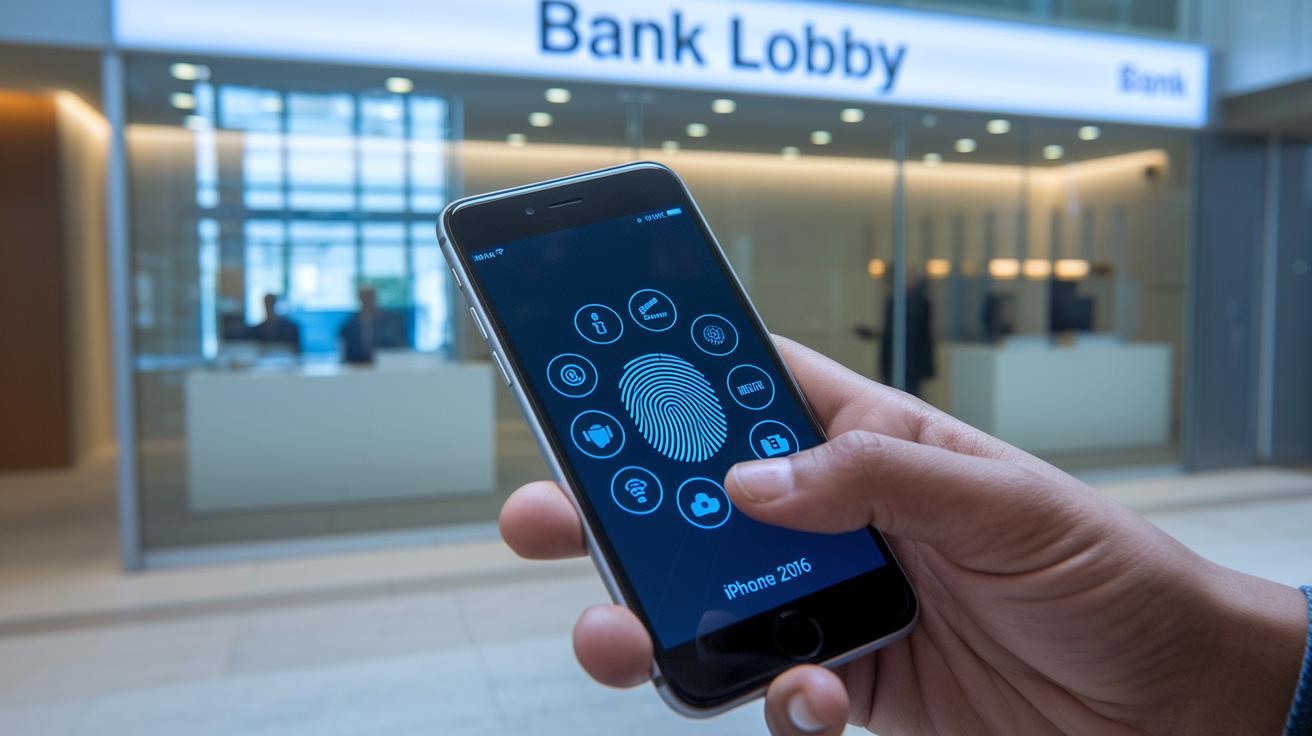
Banks are now using your fingerprint and face scans to lock down mobile transactions and ATM access, making sure your money stays safe. Health systems are turning to iris scans to protect patient records, keeping private health details out of the wrong hands. Even government agencies are getting onboard, adding face scans to e-passports to ease border crossings and tighten identity checks.
- Enterprises often use single sign-on systems that mix passwords with biometrics for a tougher defense.
- Cloud-based authentication services offer multiple layers of security across your digital world.
- Smartphones, thanks to fingerprint and face unlock, let you tap your way into a secure experience.
- Many businesses blend biometrics with passwords to protect their digital assets in smart, tailored ways.
These cases show that when we match our security methods to the needs of each field, it not only makes things safer but also makes everyday tech use a whole lot easier.
Final Words
In the action, we explored biometric vs password authentication, comparing how each method unlocks digital worlds securely and efficiently. We dove into how fingerprints, facial recognition, and alphanumeric keys perform in real-life situations. The discussion covered security strength, usability, and the challenges of implementing these technologies. Our look at future trends left us excited about a world where safe digital experiences grow even brighter. Let's keep moving forward, embracing smart solutions that protect our digital lives.
FAQ
What do discussions on Reddit reveal about biometric vs password authentication?
Discussions on Reddit reveal that biometrics, using physical traits like fingerprints, offer faster and more secure access, while passwords, despite being familiar, are often more vulnerable to attacks.
How does a password biometrics app work?
A password biometrics app combines biometric scans with password management, so users unlock their digital vaults using a fingerprint or facial recognition, enhancing overall security and convenience.
What is an example of biometric password technology?
An example of biometric password technology is a fingerprint scan used as a secure digital key, providing quick, unique, and hard-to-replicate access compared to traditional alphanumeric passwords.
How do password managers integrate with biometrics?
Password managers integrate with biometrics by using fingerprint or facial recognition to unlock stored credentials, combining the ease of biometric access with the strength of a password-protected system.
What is the difference between password and biometric authentication?
Password authentication uses user-created code strings, while biometric authentication relies on unique traits like fingerprints or facial features, making biometrics generally more resistant to phishing and guessing attacks.
How is biometric authentication implemented in Windows?
In Windows, biometric authentication is often paired with passwords, allowing users to log in quickly using fingerprint or facial recognition, which supplements traditional security measures for a robust sign-in process.
What is a biometric password device?
A biometric password device uses physical traits such as fingerprints or retinal scans to verify identity, replacing or supplementing traditional passwords and enhancing both security and ease of access.
Why is a biometric password more secure than a pin?
A biometric password is more secure than a pin because it relies on unique, non-transferable physical characteristics, making it much harder for unauthorized users to replicate or guess compared to simple numerical pins.
What are the three types of authentication?
The three types of authentication are something you know (like a password), something you have (like a security token), and something you are (like biometrics), each adding a layer of protection to your digital access.