

Have you ever worried that your password might be a ticking time bomb for your digital safety? Nowadays, a stolen password can open the door to huge data leaks, and simple protection just isn’t enough.
That’s why clever techniques like hashing (a way to jumble your password) and multifactor authentication (where you prove your identity in more than one way) are turning the tide.
We mix smart password management with easy-to-use login checks to help keep your information safe. Want to know how these tools work together to protect your digital life? Let’s dive in and find out.
Complete Guide to Secure Password Management & Advanced User Authentication
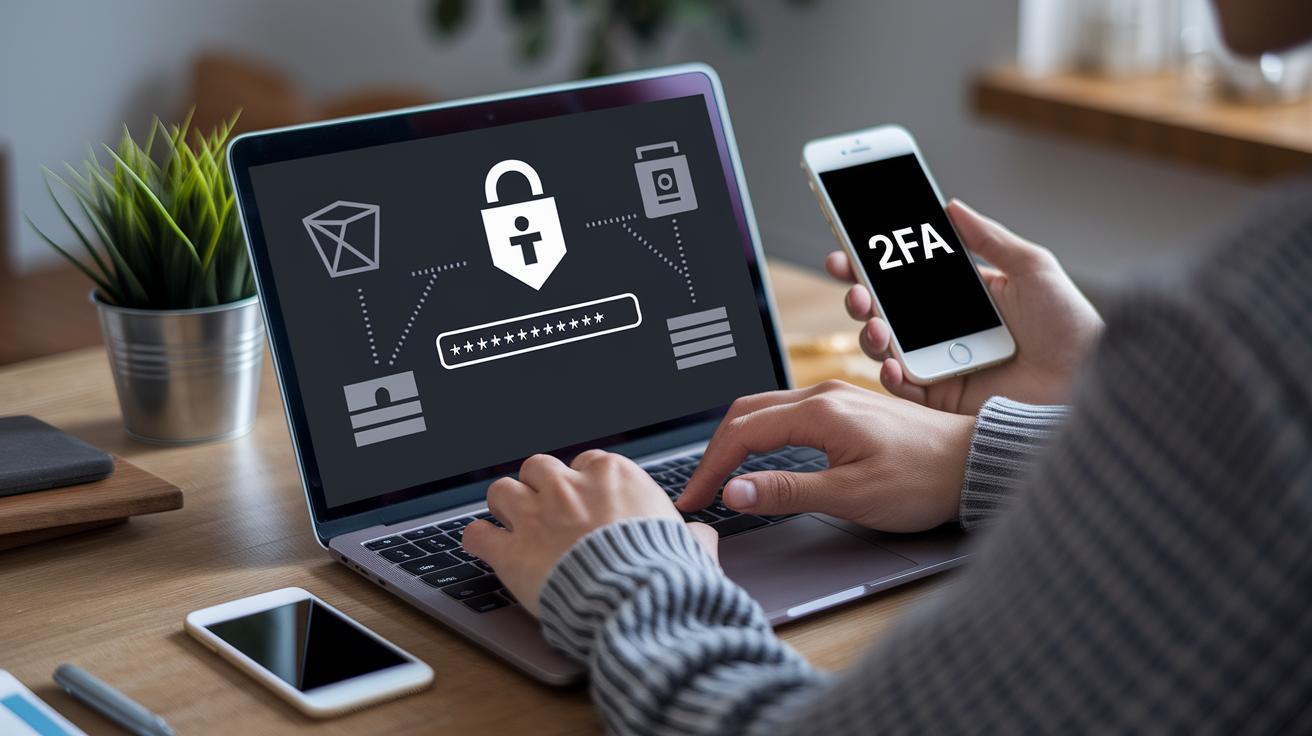
Password-based authentication has been a trusted method since the mid-1960s because it’s simple and familiar. Behind the scenes, secure login systems use techniques like hashing (turning your password into a fixed code that can’t be reversed) and salting (mixing in extra random data) with strong tools like bcrypt and Argon2. Think of hashing like shuffling a deck of cards so well that you can never guess the original order.
Multi factor authentication (MFA) is now a must for keeping your digital life safe. With MFA, you’re asked for more than just a password, such as a one-time code from your phone or app. Its use has jumped from 28% in 2017 to 78% in 2022. This extra step makes it much harder for hackers to break in, even if they get your password.
Today’s best security practices are built on the idea of layered protection. It’s not enough to have a strong, unpredictable password; you need extra checks too. By storing passwords securely and adding multiple verification steps, even if one layer is breached, the rest of your defenses still stand strong. This smart, multi-layered approach is key to keeping your digital world secure.
Password Management Policies and Encryption Strategies

We protect your passwords using salted hashing techniques like bcrypt and Argon2. In simple words, we add a bit of extra random data to your password before it’s processed. This extra twist makes it really hard for hackers to use pre-made tricks to decode your password. We also consider what our system can handle, like how much memory it uses and the maximum data size for submissions, to decide on sensible limits for password lengths.
We know that a good password needs a bit of spice, so we set rules that require a mix of letters, numbers, and special symbols. This mix, along with checking for randomness (called entropy, which is just a measure of how unpredictable a password is), keeps your account safe without being a pain to use. Think of it like creating a unique, sturdy key for your home, it’s all about keeping unwanted visitors out.
We also believe in making things hassle-free. That’s why we offer a self-service option for resetting your password (note: we don’t retrieve the old one). Plus, we back up the whole process with extra security layers using cryptographic key protocols (a method for securing token creation and session handling). Even if one layer faces a challenge, the overall system stands strong and reliable.
User Authentication Methods: Multi-Factor and Biometric Techniques

Today, keeping your digital accounts safe means using more than one security step. The best systems mix different checks so only the right person can get in. By combining a password with a extra proof step, these methods make it really hard for an intruder to sneak in.
Multi-Factor Authentication (MFA) takes a simple password and adds another layer of security. For example, you might get a one-time code by email or through an app. This way, you prove your identity with something you know (your password) and something you have (the code). It’s like a double-check that says, “Yes, it’s really you!”
Biometric techniques use a part of you, like your fingerprint, face, or voice, to check who you are. These unique traits are super hard to copy, making it nearly impossible for someone to pretend to be you. It’s a smooth and quick way to get verified.
Some newer systems do away with passwords entirely. Instead, they send you a magic link via email or notification. One click on that secure link opens your account right up, saving you the hassle of remembering passwords and reducing the chance of mistakes.
Federated identity systems let you log in using trusted providers such as Google, Facebook, or Twitter. This means you don’t need to create and remember extra login details. It’s a seamless way to access different platforms while keeping your sign-in process easy and secure.
Each of these methods brings its own benefits. By using a blend of multi-factor checks, biometric scans, passwordless options, and federated identities, modern user authentication offers a powerful yet user-friendly shield for today’s digital world.
Secure Credential Storage and Vault Solutions
Centralized vaults like HashiCorp Vault and AWS Secrets Manager help keep your secrets safe. They lock up data both when it’s stored and when it’s moving. This means your API keys, tokens, and certificates are protected using strong, secure methods (cryptographic protocols are ways to turn data into a secure code). These systems also check on your data with logs and by automatically changing secrets, so you always know your information is being watched over. Plus, using cloud-based secret storage lets companies easily set up rules so that only the right folks can see the most sensitive data.
Hardware security modules add another level of care. They manage keys in a way that stops tampering and even process security tasks right on the device. In simple terms, even if someone tries to physically mess with the device, your keys stay safe.
| Solution Name | Key Features | Deployment Model |
|---|---|---|
| HashiCorp Vault | Encrypted storage, fine-grained access control | On-premise/Cloud Hybrid |
| AWS Secrets Manager | Automated rotation, robust cryptography | Cloud-based |
| CyberArk Enterprise Password Vault | Policy enforcement, audit logging | Enterprise On-premise |
| Thycotic Secret Server | Role-based access, secure credential management | Cloud/On-premise |
password management and user authentication: Boost Security

Smart access control is a real game changer for keeping your data safe. It adjusts login steps on the fly based on simple risk scores from your behavior, location, and even your device’s safety (like checking if it’s up-to-date). For example, if someone logs in from a new place at odd hours, the system might ask for an extra check. It’s kind of like a door that tightens its lock when it notices something off.
Risk-based access evaluation steps in when the system senses something unusual. Say you try to log in from a device that is missing the latest updates or certificates, it triggers extra checks, like asking for a second factor (for example, a code sent to your phone). Just think of it like the safety check you give your car when something doesn’t feel right. This way, every login stays secure without slowing you down.
Dynamic risk authentication uses both profile and behavior checks to keep an ongoing assessment of trust. It also regularly verifies your device, for instance, making sure that security patches are in place. These methods work together to give you strong protection without adding too many hassles. In short, it’s a modern strategy that keeps your digital access safe yet smooth.
Monitoring, Auditing, and Incident Response in Password Management and User Authentication

Login Attempt Tracking
When you put limits on how many times someone can try to log in and temporarily lock the account after too many wrong tries, you stop automated hackers in their tracks. This simple step makes it much tougher for anyone trying brute-force attacks (lots of guesses) or credential stuffing (using stolen passwords) to break in. Imagine setting things so that if anyone fails five times, the account locks until you verify it, this little measure goes a long way in keeping threats at bay.
Audit Compliance Monitoring
It’s key to record every time someone logs in, makes changes, or resets their password to meet rules like PCI DSS and GDPR (data protection guidelines). These detailed logs act like a diary of activity, helping you spot any odd events or breaches. By regularly checking these records, you can catch potential problems early, keeping everything secure and well under control.
Threat Detection and Incident Response
We use smart checks to spot unusual login actions, like someone signing in from a strange IP address, device, or time. When things don’t look right, the system quickly asks for extra verification (multi-factor authentication), ends any suspect sessions, and even sends alerts about possible security breaches. These fast responses help limit any damage while keeping a clear track for further review.
Final Words
In the action, we dove into the essentials of password management and user authentication. We explored secure password strategies, encryption techniques, and layered defenses that ensure every login is safe. We also highlighted how adaptive controls and vigilant monitoring keep digital operations robust.
Every section built a clearer path to a secure digital future. The insights shared pave the way for confidently embracing advanced security measures and improving your overall digital resilience. Here's to staying safe and moving forward!
FAQ
What is password manager authentication?
Password manager authentication means using a secure tool to store and auto-fill your passwords. It checks your identity by verifying stored, encrypted credentials, ensuring easy, safe access to your accounts.
What are the three methods of user authentication?
The three methods include something you know (passwords), something you have (security tokens), and something you are (biometrics like fingerprint or facial recognition). These layers keep your data protected.
How do you authenticate a username and password?
Authenticating a username and password involves matching your input with stored, hashed credentials. The system verifies the details to grant secure access, much like checking a key before opening a door.
What is password-based user authentication?
Password-based user authentication uses a secret code (password) that only you know. The process secures your credential by converting it through hashing techniques, ensuring no plain-text is stored.
What are the four types of authentication?
The four types include something you know (a password), something you have (a token or phone), something you are (biometrics), and a factor like your location, which can add extra layers of verification.
How does passwordless authentication work?
Passwordless authentication works by using methods like magic links or push notifications instead of a traditional password. This approach reduces common password risks and simplifies the login process.
How does Microsoft Authenticator enhance user authentication?
Microsoft Authenticator boosts security by providing multi-factor verification through your mobile device. It pairs with services like Microsoft 365 or Azure to add a second step that confirms your identity.
What roles do Microsoft Entra ID and Microsoft Intune play in authentication?
Microsoft Entra ID manages digital identities and user permissions, while Microsoft Intune secures devices. Together, they help streamline secure login and protect access across your digital services.
How does password authentication work in Google?
Google’s password authentication uses encrypted and hashed passwords to ensure your login is safe. The system verifies that your password matches the secured record and often prompts for extra verification when needed.