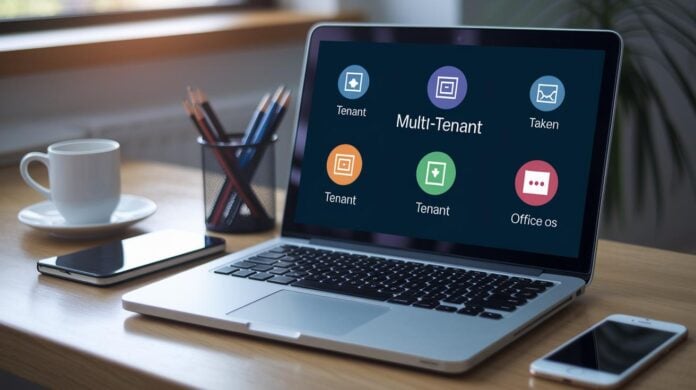

Ever wonder if your login is tough enough in a system that works for many? Picture your company’s digital door opening just for you, like a unique key unlocking your own safe. In apps where lots of users share one system, keeping each group’s information apart is really important.
It’s more than just having a password. It’s about smart technology working together, kind of like teammates guarding every tap. In this post, we explore fresh ideas such as Single Sign-On (SSO, which lets you sign in just once to access different tools) and strong encryption (a way to lock your data up tight) that help keep your digital space private and powerful.
Core Strategies for Securing User Authentication in Multi-Tenant Applications

Multi-tenancy lets a single app serve many separate groups. Each group has its own users and data, but everything runs on the same system. Keeping user data separate is super important, each group’s login info and session details must stay in its own lane. Usually, you sign in by entering a company ID or your email, which directs your login to the right secure area. Picture this: you type in your work email and see just your company’s login page.
A system called Single Sign-On (SSO) makes things easier by letting you use one login for several services. This not only cuts down on scattered credentials but also strengthens security. It uses tokens (small pieces of secure data, like JSON Web Tokens or JWT) along with HTTP-only refresh tokens to safely share session info. Plus, basic Role-Based Access Control (RBAC) is a must. This tool sets clear permissions so only approved users can access their group’s resources. These steps often work hand-in-hand with cloud protection practices (ways to secure the cloud) and keeping each group’s data distinctly separate.
Here are the top strategies to secure user authentication in multi-tenant environments:
- Enforce strong password and passphrase rules
- Use unique encryption (turning passwords into coded text) for each user
- Add adaptive Multi-Factor Authentication (MFA – a way to double-check your identity)
- Leverage established SSO systems like OAuth or SAML
- Design simple and clear tenant discovery flows
- Adopt RBAC for managing user rights
- Implement continuous monitoring and logging to track activities
Using these methods builds a strong wall against unauthorized access, keeping each group’s digital space safe and ensuring trust throughout the shared system.
Designing Tenant Isolation and Partitioned Authentication for Multi-Tenant Applications
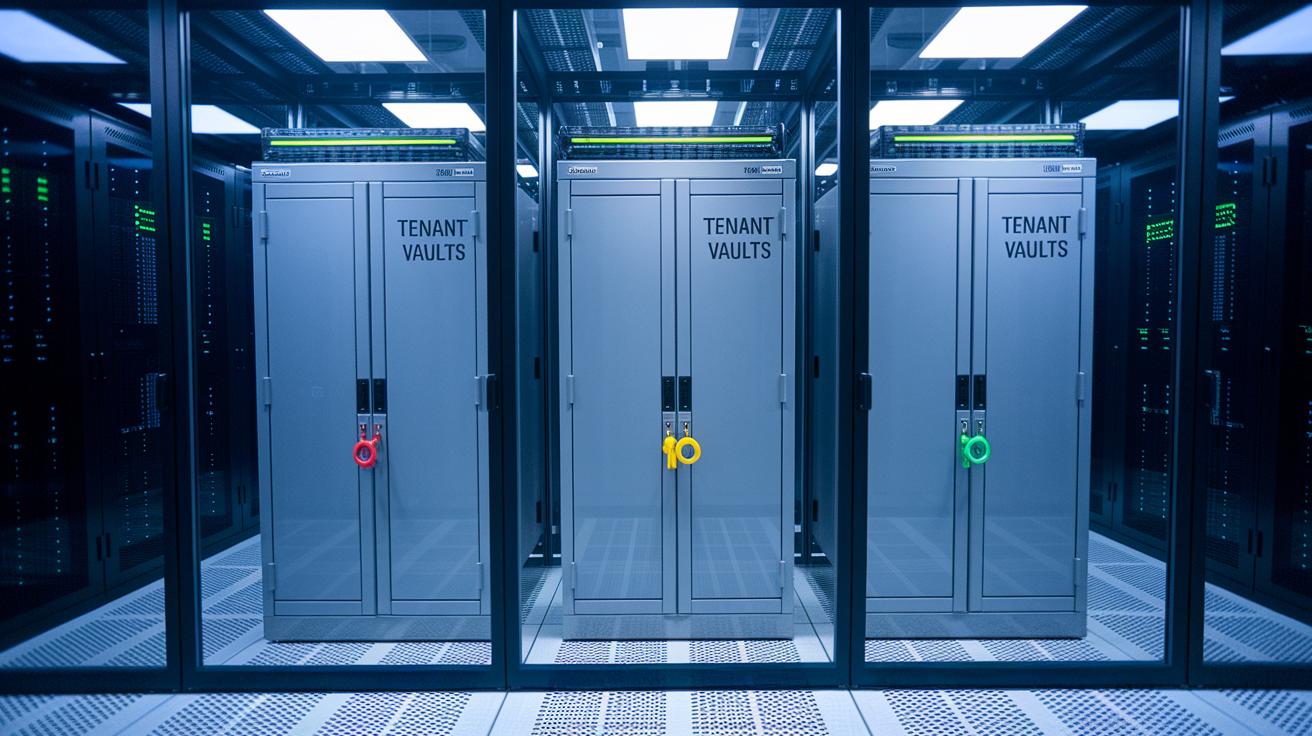
True isolation is key for keeping things safe in multi-tenant systems. Each tenant’s data and sessions must stay separate, like having a unique key to a private vault. Using different schemas, databases, or cloud projects for each tenant makes sure that sensitive information never gets mixed up.
We can also use container isolation strategies, such as Docker namespaces or Kubernetes pod security settings (which help keep containers separate), to create clear, operating system-level boundaries. This means a problem in one container is less likely to cause trouble for the others. Adding cross-domain data fencing, using strict API gateway rules and network segmentation, acts like city districts with their own security rules, ensuring tenant resources are carefully managed.
It’s important to review shared resources, like caches or message brokers, to be sure they don’t accidentally mix up tenant data. Using partitioned caches or encryption scopes (methods to lock down data) can fix these issues. Combining container isolation with cross-domain data fencing offers a strong defense against lateral attacks. With each tenant safely confined within its own perimeter, even if one tenant is breached, the overall system stays strong and secure, keeping every digital space uninterrupted and reliable.
Implementing Robust Credential Protection Protocols in Multi-Tenant Authentication
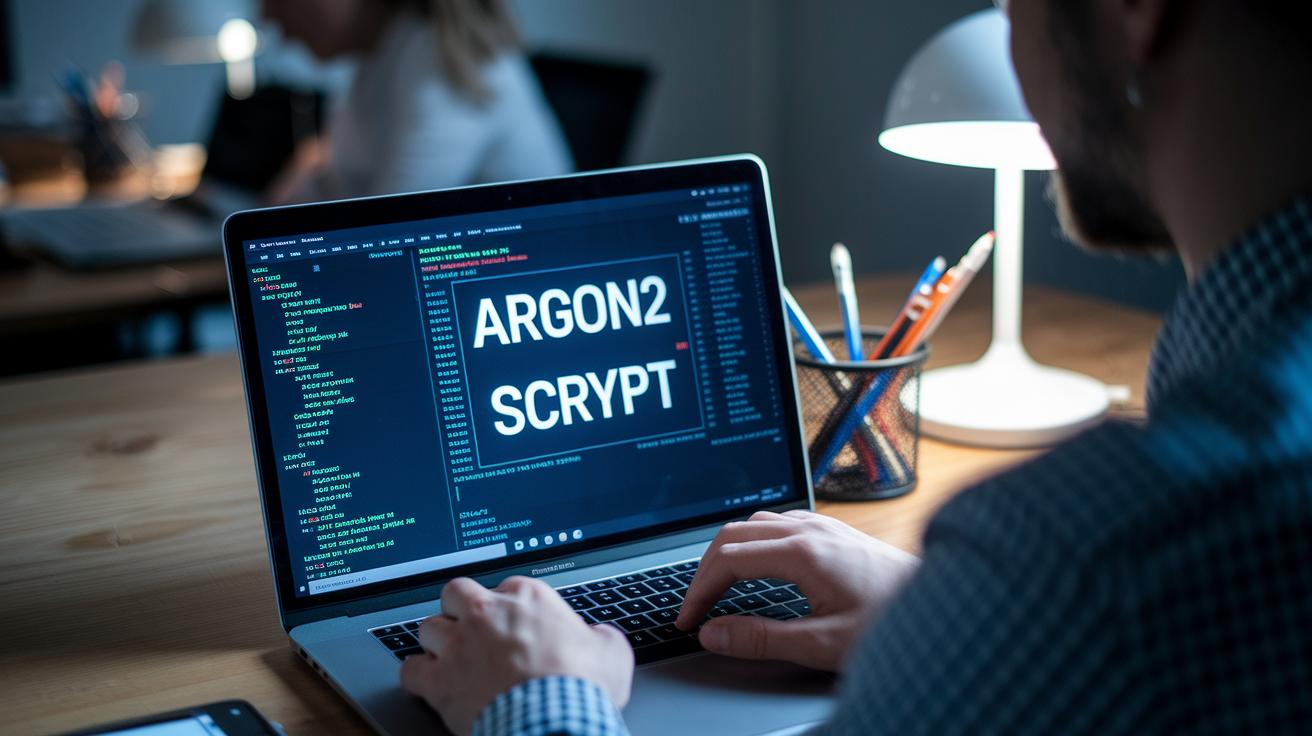
When you build apps that serve many users at once, it’s important to keep their passwords safe. One of the easiest ways to do that is by using strong methods to protect each user’s login details. Hashing is a one-way trick that turns a password into a fixed string. In systems with many users, using algorithms like bcrypt, Argon2, or scrypt can slow down brute-force attempts. And it’s a must to mix in per-user salts (random extra data added to the password) so that even if two users choose the same password, their hashed results will be different.
Encryption is also key when you need to store credentials securely. Encrypting your stored data with tools like AES-256 (a trusted method) adds an extra layer of safety. This means that even if someone gets into your database, the encrypted details are still unreadable without the right keys. It’s a good idea to rotate these keys regularly and store them safely using secure vaults like KMS or HSM (devices that hold keys securely).
| Method | Description | Best Practice |
|---|---|---|
| Hashing | One-way mapping of password to hash | Use bcrypt/Argon2 + unique salts |
| Encryption | Symmetric/asymmetric protection of stored secrets | AES-256, HSM or KMS-backed key storage |
| Salting | Random data appended/prepended before hashing | Generate per-user, ≥16 bytes, never reused |
Using these practices means that even if one layer of security is broken, there are extra barriers in place. This layered strategy is essential for stopping brute-force attacks and making sure that every user’s credentials stay safe as your app grows.
Integrating OAuth, SAML, and Federation in Multi-Tenant Authentication

OAuth Streamlining Procedures
Creating a secure sign-in system starts with using the OAuth 2.0 Authorization Code flow with PKCE (a way to safely exchange login tokens). Think of it as giving each login request a unique secret handshake so that even if someone intercepts the code, it won’t work without its matching key. First, set up this flow to keep client secrets safe. Next, add a way to quickly cancel tokens if anything looks fishy. By checking that each token has the right signature, expiration, and proper audience, you help ensure that even if a token is stolen, it won’t be useful for long.
SAML Bridge Techniques & Federation System Consolidation
SAML 2.0 is a solid choice for giving users a single sign-on experience. It works by sharing simple XML messages (think of them as digital ID cards) between your app and a trusted identity helper. In simple terms, it makes sure the user’s details are passed correctly every time they log in. You need to set up your system to match each tenant’s details with the data from your identity helper. Then comes federation. This step connects different identity systems together, letting users sign in with their usual digital ID without having to log in a second time. Imagine an employee logging into a company portal and their credentials being checked across several trusted systems without extra hassle.
Key settings to think about include:
| Configuration Step | What It Does |
|---|---|
| Token Trust Validation | Makes sure tokens are signed correctly and expire as they should |
| SAML Assertion Mapping | Correctly links tenant details with identity data |
| Federated Identity Consolidation | Connects multiple domains so users sign in seamlessly |
By combining OAuth methods with SAML setup and federation, you give every tenant a secure and trusted way to log in. This approach not only makes the process smooth but also keeps the system safe and easy to manage.
Enhancing Multi-Tenant Authentication with Adaptive MFA and Session Lifecycle Regulation

Adaptive multifactor authentication keeps our multi-tenant systems secure by checking for unusual risks. For example, if you log in from a new location or device, you might be asked for an extra check, like a code from an app, a text message, or even a hardware token. Even if one check gets compromised, that second method steps in to protect your account. Imagine logging in late at night and your phone asking for a quick code. It may feel small, but it really boosts your security.
Managing sessions without storing extra data on the server is also key in these shared settings. Using signed tokens (JWTs, a secure way to verify sessions) lets the system handle login sessions smoothly and scale easily. Another smart move is using HTTP-only refresh tokens (which scripts can’t access) that keep your session secure, like a backup key stored safely for the server only.
Taking it a step further, session lifecycle regulation ties everything together by controlling when sessions start and end. Each token has an expiration, so even if someone grabs it, it won’t work for long. The system logs you out after too much idle time, and it cancels tokens immediately if anything seems off. These steps not only limit risks but also give admins confidence that any unusual activity is quickly contained. By using these practices in multi-tenant apps, developers can balance ease of use with strong security.
Monitoring, Auditing, and Incident Preparedness for Multi-Tenant Authentication

Keeping a watchful eye on your sign-in systems is key to protecting multi-tenant spaces. One smart trick is to add automatic scans for vulnerabilities (think of them like simple health check-ups for your code) into your code release steps. It’s like having a friendly helper review every change you make and point out potential issues before they turn into risks.
Intrusion detection tools add another layer of safety. They keep track of odd sign-in activities, such as several failed attempts, logins from unexpected places, or reusing tokens. So if someone suddenly logs in from a new location after a string of failures, you get a real-time alert to stop unauthorized access.
Using AI-driven behavior analytics makes a big difference too. This approach changes a mass of raw data into clear signals that tell you what’s going on. It can catch things like credential stuffing (where a hacker tries many passwords at once) or even account takeovers, giving you an early heads-up on issues.
Being ready for any incident is just as important as stopping them before they happen. Regular tests, practical drills, and a clear plan for responding to breaches ensure your team is prepared when challenges arise. These proactive steps not only lessen potential damage but also build confidence in your system’s strength.
Overall, constant monitoring, real-time spotting of anomalies, and a solid response plan help keep your security team ahead of threats in today’s fast-paced digital world.
Final Words
In the action, we covered key strategies for building secure, efficient multi-tenant applications. We broke down password guidelines, token protections, and adaptive MFA to keep data safe and access tight. Our discussion guided you through tenant discovery, RBAC, and continuous monitoring for a robust defense.
Key strategies we covered:
• Enforce strong password and passphrase policies
• Apply per-user hashing and unique salts
• Integrate adaptive MFA
• Leverage industry-standard SSO (OAuth/SAML)
• Design clear tenant discovery flows
• Adopt RBAC for permission management
• Implement continuous monitoring and logging
Ultimately, every step matters in securing user authentication in multi-tenant applications.
FAQ
How does multi tenant authentication and authorization work?
Multi tenant authentication and authorization work by isolating each customer’s user data and sessions, ensuring that one tenant’s credentials and activity stay completely separate from others for maximum security.
How is multi tenant authentication implemented in Azure?
Multi tenant authentication in Azure is implemented using tenant discovery flows and secure protocols like Single Sign-On, which directs users to the right tenant context and keeps their data distinct.
What is multi tenant user management?
Multi tenant user management is the process of organizing and controlling user accounts across different tenant groups by using access controls and detailed permission settings to protect each tenant’s data.
What does managed identity in a multi tenant context mean?
Managed identity in a multi tenant context means that each tenant’s applications use automatically managed identities, which simplify secure token exchange with Azure services while keeping tenant access completely isolated.
How does Intune support multi tenant environments?
Intune supports multi tenant environments by enforcing management policies that secure and isolate device configurations and applications, ensuring each tenant’s devices are monitored and maintained separately.
How do you create a multi tenant application in Azure?
Creating a multi tenant application in Azure involves setting up clear tenant discovery flows, leveraging secure authentication protocols like SSO, and isolating each tenant’s data to maintain strong boundaries.
What is multi tenant federation?
Multi tenant federation is the process where different identity providers connect, allowing users from external organizations to access an application while each tenant’s data remains separated and secure.
What defines a multi tenant architecture?
A multi tenant architecture is defined by a single application instance that serves multiple customers while keeping each tenant’s users and data logically separated to ensure robust, secure access.
What are the top strategies for securing multi tenant authentication?
The top strategies for securing multi tenant authentication include:
- Enforcing strong password and passphrase policies
- Applying per-user hashing and unique salts
- Integrating adaptive MFA
- Leveraging industry-standard SSO (OAuth/SAML)
- Designing clear tenant discovery flows
- Adopting RBAC for permission management
- Implementing continuous monitoring and logging