
Have you ever wondered if one lock is really enough to keep your home safe? Think of your password as that first lock and an extra code as a second bolt. Two-factor authentication (a method that asks for two proofs of your identity) adds a helpful extra step. It makes it much harder for hackers to break through your digital door. In today’s digital world, that extra layer of security can truly make all the difference.
Fundamentals of Two-Factor User Authentication
Two-factor user authentication is a safety method that asks for two different proofs to show you really are you. It started way back in 1984 and has since turned into an easy, smart way to protect your digital identity. Usually, you use something you know like a password, along with something you have like a security token, or even something unique to you, such as a fingerprint scan. Imagine typing your password and then getting a short code on your phone – like adding a second lock to your door for extra protection.
This added layer of security makes it much tougher for hackers to get in. It stops the common tricks that identity thieves play with a simple, one-key process. Think about it: a single-step login is like having just one key, whereas two-factor authentication gives you two keys that work together to lock things down even better.
In short, two-factor authentication is a powerful digital shield. It spots weak spots before they become problems, keeping everyone’s online space safer and more secure.
Two-Factor User Authentication Process: Factor Types and Workflow
Something You Know
Users start by typing in something only they know, like a password or PIN. It’s like proving you hold the secret key. For example, when you enter a password like "mySecurePass123," think of it as opening a secure door. But on its own, this secret isn’t enough.
Something You Have
After your password is accepted, the system checks for something you have. This could be a brief code sent to your phone by SMS or email, or one generated by a small device or an app. For instance, you might get a text with a code like "482735" that you then enter on the screen. Some people use apps such as Google Authenticator (which creates time-based codes you can use for about 30 seconds), and sometimes the code even comes via an automated phone call. This extra step makes sure you really have a trusted device with you.
Something You Are
The final step is something unique about you, your biometric data. This means using parts of your body like your fingerprint or an eye scan. Imagine placing your finger on a sensor that quickly checks and confirms your identity, just like using a key that only fits you. Even if someone else gets your password and code, they can’t get in without your unique trait.
Comparing Two-Factor User Authentication with Single-Factor Security
Two-factor authentication, or 2FA, is like giving your online security a boost. Instead of just using a password, it adds a second check – a code or a fingerprint scan, for example – that makes it much tougher for hackers to get in. Studies show this extra step can cut phishing scams by over 80% and lower the chance of a breach.
Back in 2019, a bank saw unauthorized login attempts drop by nearly 90% after switching to 2FA. And here’s an eye-opener: a large retail chain went from 15 breaches a year down to just 2 when they started using 2FA. That extra check really makes a difference.
| Criterion | Single-Factor | Two-Factor |
|---|---|---|
| Security Levels | Only a password, which offers little extra defense | Adds a check like a code or fingerprint, boosting protection a lot |
| Vulnerability Risks | More likely to fall for phishing and similar attacks | Less risk thanks to an extra verification step |
| Usability | Quick one-step login that’s simple but less secure | An extra small step that modern devices handle easily |
| Implementation Complexity | Easy to set up, but it doesn’t really protect well | A bit more complex to set up, yet offers much better security |
All in all, using just a password can leave your digital defenses thin. With 2FA, every login becomes a much sturdier barrier against unwanted access.
Implementing Two-Factor User Authentication: Best Practices and Guidelines
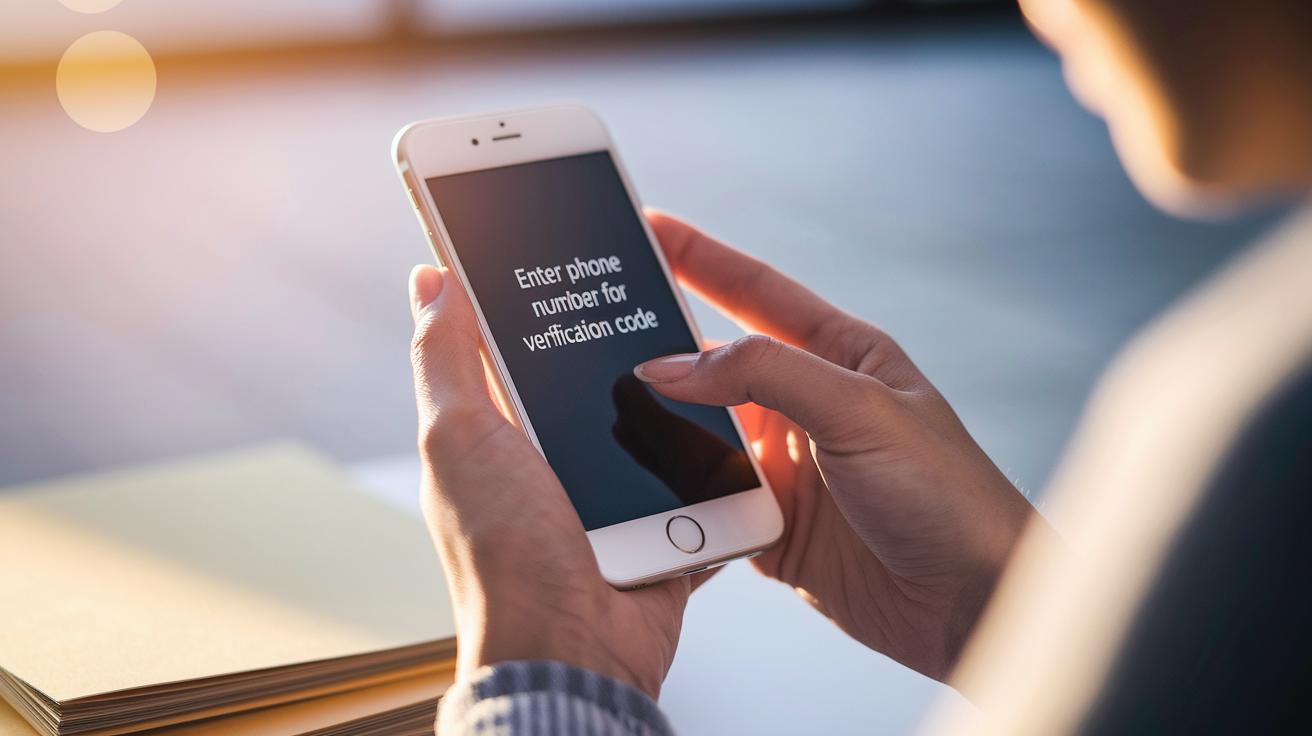
Start by setting up a simple registration process where users add their trusted devices. For example, use a friendly message like, “Enter your phone number to get a quick verification code.” This guides them smoothly through the mobile authenticator setup. Many platforms, such as Auth0, support options like Google and Duo, meaning users often finish this in just two steps. After they sign in, they might see a prompt that says, “Tap to receive a code via SMS.” It’s like getting your key straight away.
Next, use secure API-driven login methods. Think of it as a digital handshake, when users enter a verification code from their authentication app, your system checks it right away. This secure, direct link between the app and your login system makes sure only the right person gets in.
Also, include smart, context-aware rules that change based on factors like location, time, or IP address. For instance, if someone tries to log in from a new place, you might ask for an extra code. It’s a neat, extra layer of security that helps fend off unexpected access.
Encourage users to register their often-used devices as trusted. This cuts down on how often they need to verify themselves and keeps their sessions secure. At the same time, set up session timeouts and strict code expiration rules so that any temporary access fades away quickly.
If you need more details, check out a step-by-step tutorial on two-factor authentication. It walks you through setting up secure logins and keeping a close watch on user access, ensuring your platform stays safe and sound.
Two Factor User Authentication Elevates Online Safety
Today’s digital world relies on smart verification steps that make your experience safe and smooth. Businesses often use physical keys like YubiKey USB tokens or other FIDO-approved devices (hardware that confirms your identity) to add an extra layer of defense. And if you're using a phone, apps like Google Authenticator or Auth0 Guardian whip up one-time passcodes that refresh every 30 seconds. Imagine getting a phone prompt that simply says, "Tap here to verify your login", it’s a quick and trusty way to check it’s really you.
Cloud services also play their part. They team up with identity providers to ensure that only the right people get in. Lots of companies mix in two-factor authentication with identity and access management systems (which help manage user accounts) to make logging in easier while keeping security tight under the watchful eye of zero trust strategies. For instance, a company might set up a system that sends a push notification when something odd happens with a login, asking you to confirm it immediately.
What’s really cool is that these solutions aren’t just strong, they're also built for ease. Push notifications, for example, let you approve a login faster than ever. Whether you’re protecting business details or your personal info, the mix of physical tokens, mobile apps, and cloud services has turned two-factor authentication into a versatile shield for our everyday online challenges. For more on beefing up your account security, check out user account management and zero trust security.
Troubleshooting Two-Factor User Authentication: Common Challenges
Sometimes you might run into little bumps with two-factor authentication. It could be that a text message takes too long to arrive, the one-time code has already expired, or you’ve misplaced your phone or token. These hiccups can slow you down, but there are simple steps to fix them so you can get back in quickly.
Here are six common issues and easy fixes:
- Delayed SMS Codes: If you’re waiting too long on a text, check your phone’s signal and try another contact method if you can.
- Expired Codes: One-time passcodes sometimes run out fast. Request a new one and use it right away.
- Lost Devices: If you lose your phone or token, use your backup options like pre-issued backup codes or a recovery email.
- Synchronization Errors: Your device’s clock might be off. Try manually updating the time or switch on automatic time-sync.
- App or Token Malfunctions: If your authentication app is acting up, reinstall it or reconfigure your token using your recovery settings.
- Forgotten Backup Options: Make sure you set up and remember your backup methods. Keep a secure record of backup codes and establish an alternate recovery email to avoid being locked out.
Advanced Adaptive Two-Factor User Authentication Techniques
Adaptive Risk-Based Authentication
This method adjusts security based on what seems unusual, like if you log in from an unexpected place or at a weird time. Imagine you try to sign in from an unfamiliar network late at night, and suddenly the system asks, "Is this really you?" You might then need to enter a temporary code or take another step to prove your identity. It’s like having an extra lock on your door when someone seems suspicious.
Biometric Verification Factors
Biometric verification uses your unique physical traits, such as your fingerprint or facial features, to keep your account safe. When you tap your finger on a scanner, it’s just like using a personal key that belongs only to you. Picture placing your hand on a device that quickly checks if you’re you, fast, reliable, and secure. This approach makes it very hard for someone else to sneak in, even if they somehow get your password.
Future Trends in Two-Factor Authentication
Looking ahead, the trend is moving toward using three layers of security. This means a system may check something you know (like a password), something you have (like a security token), and something you are (like your fingerprint). It might even look at details like where you are or how you usually use your account. Imagine logging in and not only entering your password and code but also having the system recognize that you’re at your favorite café. This extra check builds a strong, multi-layer shield to keep your digital world safe.
Final Words
In the action, we walked through the foundations of two factor user authentication, explored its step-by-step process, and compared it with single-factor methods. We also covered best practices, cutting-edge tools, and even troubleshooting tips for a smooth digital experience. This article shows how two factor user authentication can make your accounts really secure. With easy-to-follow guidelines and innovative techniques, secure digital access is well within reach. Here’s to a safe and dynamic digital future!
FAQ
What is two-factor authentication?
The two-factor authentication is a security process using two forms of proof—a password and a code sent to your device—to verify your identity and better protect your account.
How does two-factor authentication work?
The two-factor authentication works by first asking for your password and then sending a time-limited code (via text, app, or hardware token) to confirm it’s really you logging in.
What does two-factor authentication require from a user?
The two-factor authentication requires that you provide something you know (like a password) plus something you have (such as a code from your mobile) or something unique to you (like a fingerprint).
How is two-factor authentication different from multi-factor authentication?
The two-factor authentication uses two verification steps while multi-factor authentication can use two or more, both adding extra layers of protection to secure your digital identity.
What are some common examples of two-factor authentication?
Two-factor authentication examples include using Google Authenticator, Microsoft Authenticator, Duo Mobile, and FreeOTP, where an app or SMS delivers a secure, time-based code.
How do popular platforms like Facebook, Google, and Instagram use two-factor authentication?
Popular platforms use two-factor authentication by sending a unique code to your device during login, making it more difficult for unauthorized users to access your account.
Is two-factor authentication safe on Instagram?
The two-factor authentication on Instagram is safe as it adds an extra step of security by requiring a code from your phone, making it harder for intruders to break in.
Can someone get into my account if I have two-factor authentication?
The two-factor authentication greatly lowers the risk of unwanted access, but no method is completely foolproof; using strong passwords and secure devices further helps protect your account.
Why might 2FA no longer be considered completely safe?
The two-factor authentication may be less secure if it relies on SMS codes since messages can be intercepted; using app-based codes and up-to-date methods increases your protection.
What is 2FA live?
The 2FA live refers to real-time two-factor authentication where a mobile app instantly sends approval notifications or codes, allowing for fast and seamless verification during login.
What are some popular mobile apps for two-factor authentication?
Popular mobile apps for two-factor authentication include Google Authenticator, Microsoft Authenticator, Duo Mobile, and FreeOTP, each generating secure codes to help verify your login.