

Ever wonder if your digital door is really secure? Think of user authentication (a method to check who you are) like a friendly guard at your local hangout who makes sure only the right people come in. It helps keep your private details safe and builds trust online.
In this post, we'll show you how proving your identity not only protects your accounts but also makes everyday digital experiences feel a bit more secure.
Understanding What User Authentication Means
User authentication is all about checking who you are before letting you in. Think of it as a friendly guard at a party who makes sure only the invited guests get in. It confirms that every sign-in request is really coming from the right person.
It matters because this process builds trust in our digital world. When systems clearly verify who you are during login, they help stop unwanted visitors from getting access. It’s like showing your ticket at the door so only the right people can join in.
There are three simple ways to prove who you are:
- Something you know – like a password or a PIN (a secret number that only you remember).
- Something you have – such as your phone or a special security card that gives you a one-time code.
- Something you are – this means using parts of you, like a fingerprint or your face, to confirm your identity.
Using these three steps makes systems tougher for hackers to break into. Each part, from entering your details to receiving access, plays a key role in keeping everything safe and secure.
Exploring Common User Authentication Methods

Today, keeping out the wrong people is key to online security. Companies use different sign-in methods to strike a balance between ease and safety. Whether you're checking your email on a phone or desktop, these ways help confirm who you are while guarding your private details.
- Password-based authentication uses a secret passphrase that only you know. It's simple and very common.
- Certificate-based authentication relies on digital certificates from a trusted group (think of it like a digital ID) to prove your identity.
- Device authentication links your access to trusted gadgets, like your smartphone or laptop, making sure only approved devices can connect.
- Single sign-on (SSO) lets you use one set of login details for many services, so you don’t have to juggle a bunch of passwords.
- Biometric approaches use your unique physical traits (like a fingerprint or face scan) to check who you are. We'll dive deeper into this next.
Each method has its ups and downs. Passwords are easy to set up, but they can sometimes be guessed or leaked. Certificate and device checks add more layers by verifying both the user and the device, which boosts security when trust is a must. SSO makes life easier by reducing password fatigue, though if it’s hacked, the risk spreads wider. By comparing these options, organizations can pick the mix that best fits their needs while staying ready to add newer techniques like biometrics in the future.
Multi-Factor and Two-Step Authentication for Enhanced Security
Multi-factor authentication (MFA) is like adding extra locks to your digital door. It asks for two or more proofs that it’s really you trying to log in. Even if someone learns one detail, say, your password, the other pieces keep your account safe. You might use something you know like a password, then add something you have, such as a one-time code sent to your phone, or even something you are, like a fingerprint (a unique mark from your body). This extra layer helps stop hackers while still letting you in quickly.
| Factor Type | Example |
|---|---|
| Knowledge | Password or PIN |
| Possession | Text message code or security token |
| Inherence | Fingerprint or facial scan |
| Token-based | Authenticator app like Google Authenticator |
This approach really cuts down on common cyberattacks like brute force (when a computer tries many passwords until it finds the right one). Using time-based codes that refresh and regularly rotating tokens means that even if one factor slips, staying secure is a lot tougher for bad actors. It’s a smart, friendly step that makes sure your digital space stays protected.
Biometric and Passwordless Authentication Techniques
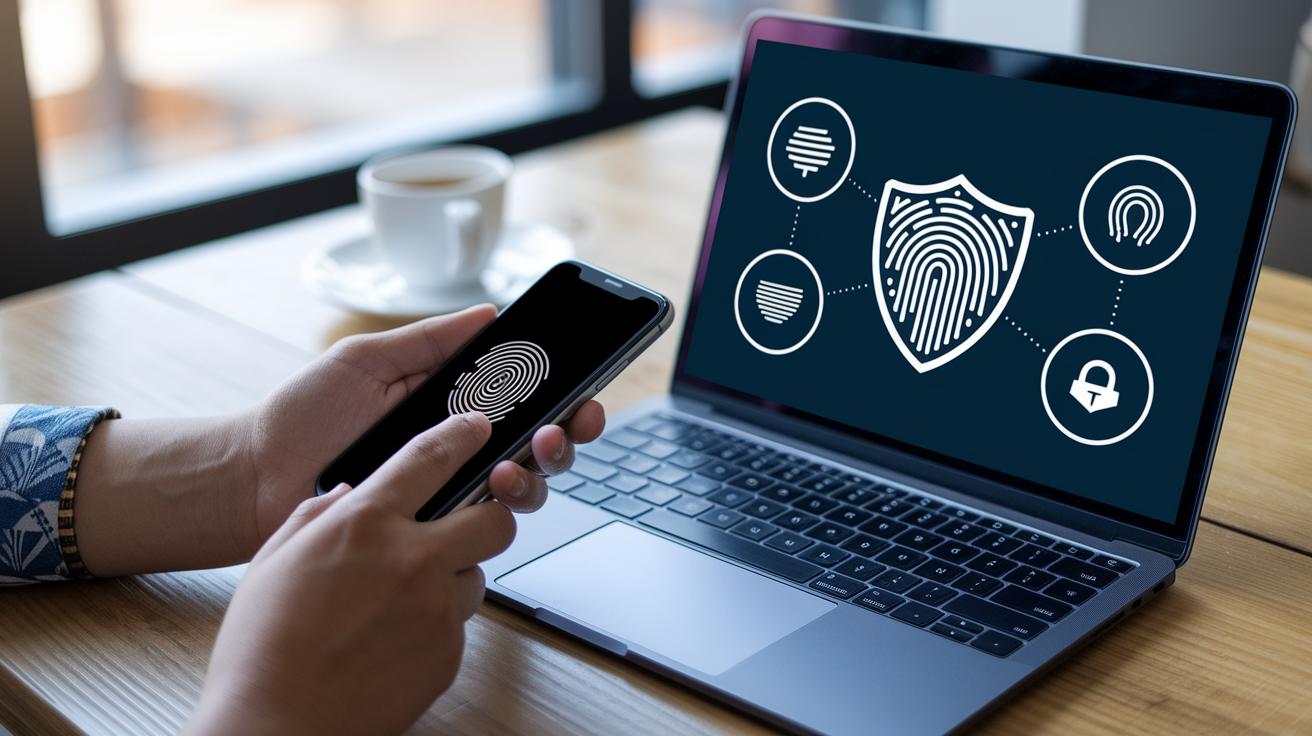
Biometrics are becoming more popular because they offer a quick, secure, and friendly way to check who you are. Using your unique traits, like your fingerprint, face, or eye patterns, helps make it harder for someone to sneak in. Plus, it feels smooth and natural, kind of like a gentle tap unlocking a secret door.
-
Fingerprint Scan Technology
Pro: It gives you fast access by reading the special lines on your finger.
Con: If your finger is wet or hurt, it might not work as well. -
Facial Recognition Procedure
Pro: Logging in can be as easy as a quick look at the camera.
Con: In dim light or if your look changes, it might not be as accurate. -
Iris Scan Innovation
Pro: This method is very secure because it reads the unique patterns in your eyes.
Con: It needs special equipment and isn’t available on all devices. -
Passwordless Methods Using Magic Links
Pro: You don’t have to remember tricky passwords, which cuts down on common security issues.
Con: It relies on you getting the link on time, and sometimes delays or issues can happen.
These methods are used in both phones and computers. Many smartphones now have fingerprint and facial scans built in, and desktops often use quick approvals with magic links. As technology keeps getting better, these modern ways to log in are making digital life smoother and safer for everyone.
Protocols, Standards, and Federated Authentication Strategies
User authentication these days depends on solid methods that confirm who you are and let you safely access different systems. Protocols like OAuth 2.0, SAML, OpenID Connect, and WS-Fed work together to cut down on the number of passwords you need. They handle secure token sharing (that’s just a safe way to pass login proof from one system to another) and simplify external identity services so signing in feels unified and smooth. IT teams enjoy following one set of rules, making it easier to manage access and strengthen overall digital security.
Federated account management, for example, lets you use one secure login for many systems, so you don’t have to remember a different password everywhere.
| Protocol | Purpose | Use Case |
|---|---|---|
| OAuth 2.0 | Delegated access (letting one service act on your behalf) | Mobile and web apps |
| SAML | Enterprise single sign-on (SSO) and secure identity checks | Large organizations and corporate intranets |
| OpenID Connect | Issuing identity tokens for user verification | Consumer-facing online services |
| WS-Fed | Web service-based federation for identity management | Cross-platform corporate environments |
Federated identity strategies, like single sign-on and strong cross-platform measures, play a huge role in making our digital world safer and easier to use. They help reduce the hassle of keeping track of multiple credentials while keeping sneaky cyber threats away. Whether it’s through straightforward OAuth setups or the smart use of the SAML protocol, these tools give developers and administrators a clear path to better security. The blend of secure token sharing and centralized control means every user gets consistent protection, no matter what device they’re on. It’s a forward-thinking approach that builds digital trust and paves the way for a more connected, secure online experience.
what is user authentication: Elevate Digital Trust

Securing user login is key to building digital trust and keeping everything safe. Developers need to design strong security measures that protect private data while following the rules. This means paying close attention to every step, from checking a password to managing several failed login attempts.
- Use strong password rules and block guessing attacks (like brute-force); check this guideline: https://heighline.com?p=3284.
- Always use safe ways to move data, such as HTTPS/TLS, so every exchange is encrypted.
- Rely on cloud identity services like Azure AD or AWS IAM for ready-made, dependable security.
- Stick to OWASP advice and change keys regularly for extra protection.
- Watch login logs closely to catch anything suspicious.
- Handle failed login attempts smartly to keep your system strong.
Regular upkeep is essential. Do routine audits and troubleshooting to ensure everything meets compliance standards. Tools like fastapi authentication (https://sitescard.com?p=334) can make it easier to choose the right framework and keep every access point secure.
Final Words
In the action, we explored the core elements of secure digital entry, from what is user authentication to advanced techniques like multi-factor and biometric strategies. We broke down methods, compared pros and cons, and discussed best practices for safeguarding data. Each section tied together to show how a blend of process clarity and modern tech elevates security. It’s all about building a safe, efficient online experience. Stay innovative and secure, knowing you have the insights behind what is user authentication.
FAQ
What is user authentication in cyber security?
The concept of user authentication in cyber security means verifying a user’s identity before allowing access, ensuring that sensitive data stays safe from unauthorized users.
What does user authentication on iPhone or within Screen Time mean?
User authentication on an iPhone or in Screen Time means confirming that it’s you trying to access the device or manage settings, often using methods like passcodes, Touch ID, or Face ID.
What is a user authentication app?
A user authentication app is a tool that checks your identity using digital methods, such as two-factor or multi-factor verification, to make sure only authorized users can access your account.
What are common user authentication methods and examples, including the four types?
User authentication includes methods like passwords, tokens, biometrics, and security questions. These examples show different ways to confirm a user’s identity before granting access to a system.
How do you do user authentication?
Doing user authentication involves submitting your credentials, which are then verified, and access is granted only if your identity is confirmed, keeping your information secure.